iPhone Creator Kit contributor
Justin
Justin writes iPhone Creator Kit's guides to iPhone camera settings, ProRAW, Apple Log video and Lightroom presets. His guides cover the practical side of mobile photography: which settings to use, how each iPhone lens behaves, and how to edit photos so they look natural rather than overprocessed, all without extra gear or a photography background.
Official website or creator profileGuides by Justin
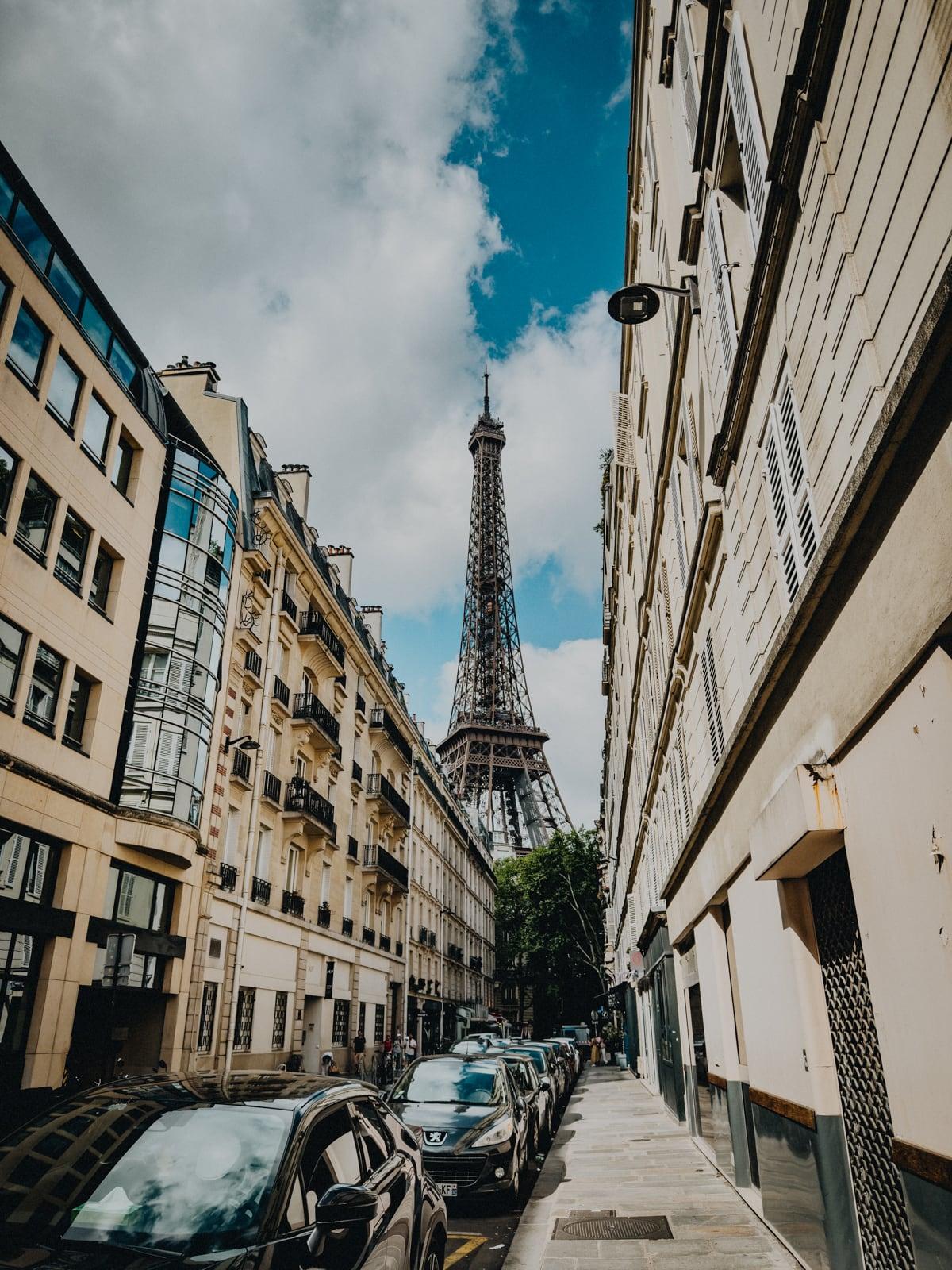
How to Instantly Take Better City Photos on iPhone
City photos on iPhone are harder than they look. There’s a lot going on — buildings, people, cars, signs, mixed light — and it’s easy…
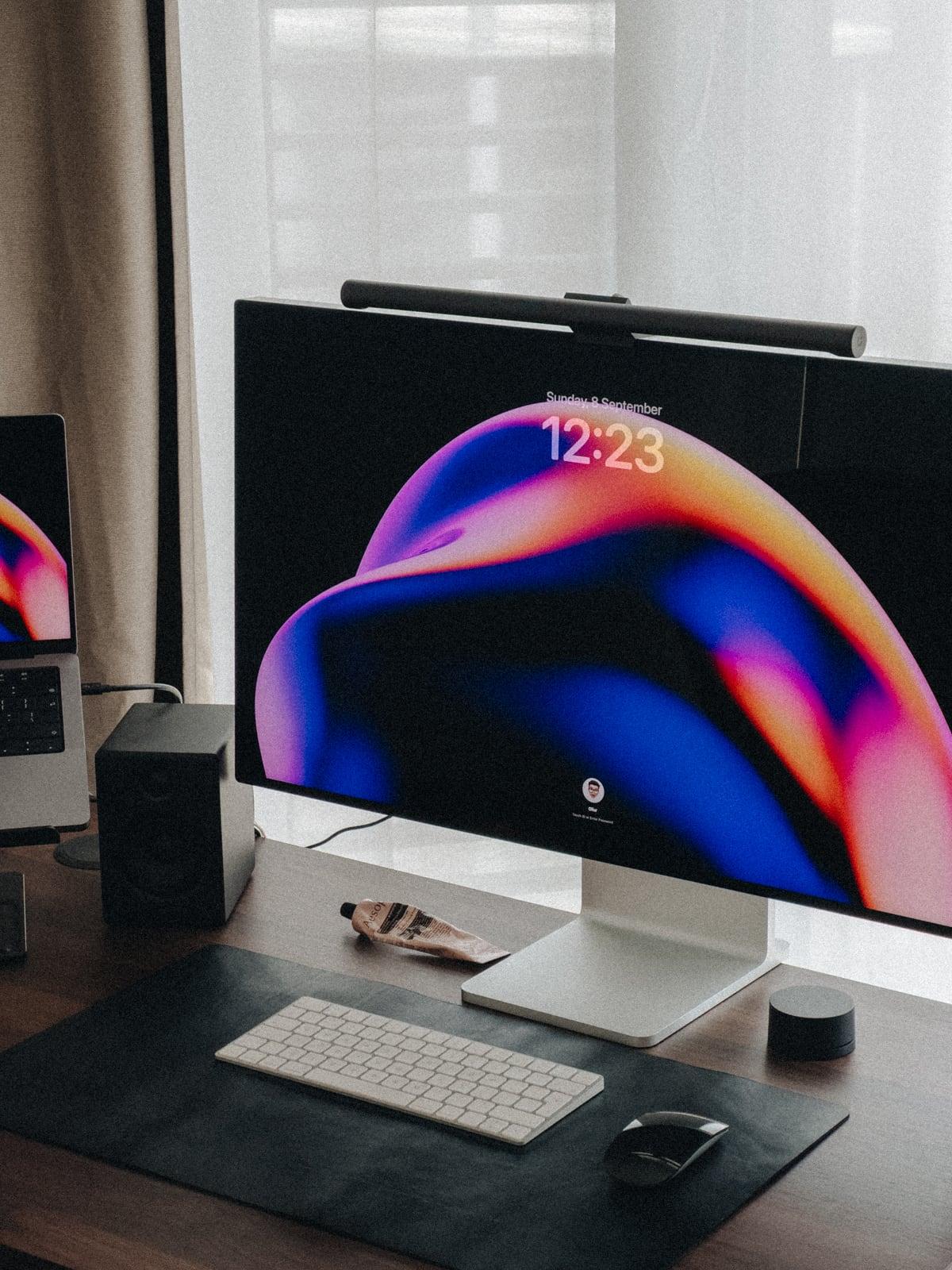
How to Take Better Product Photos on iPhone
Most people end up needing product photos at some point. It might be for a small business, an online listing, a website, or social media.…
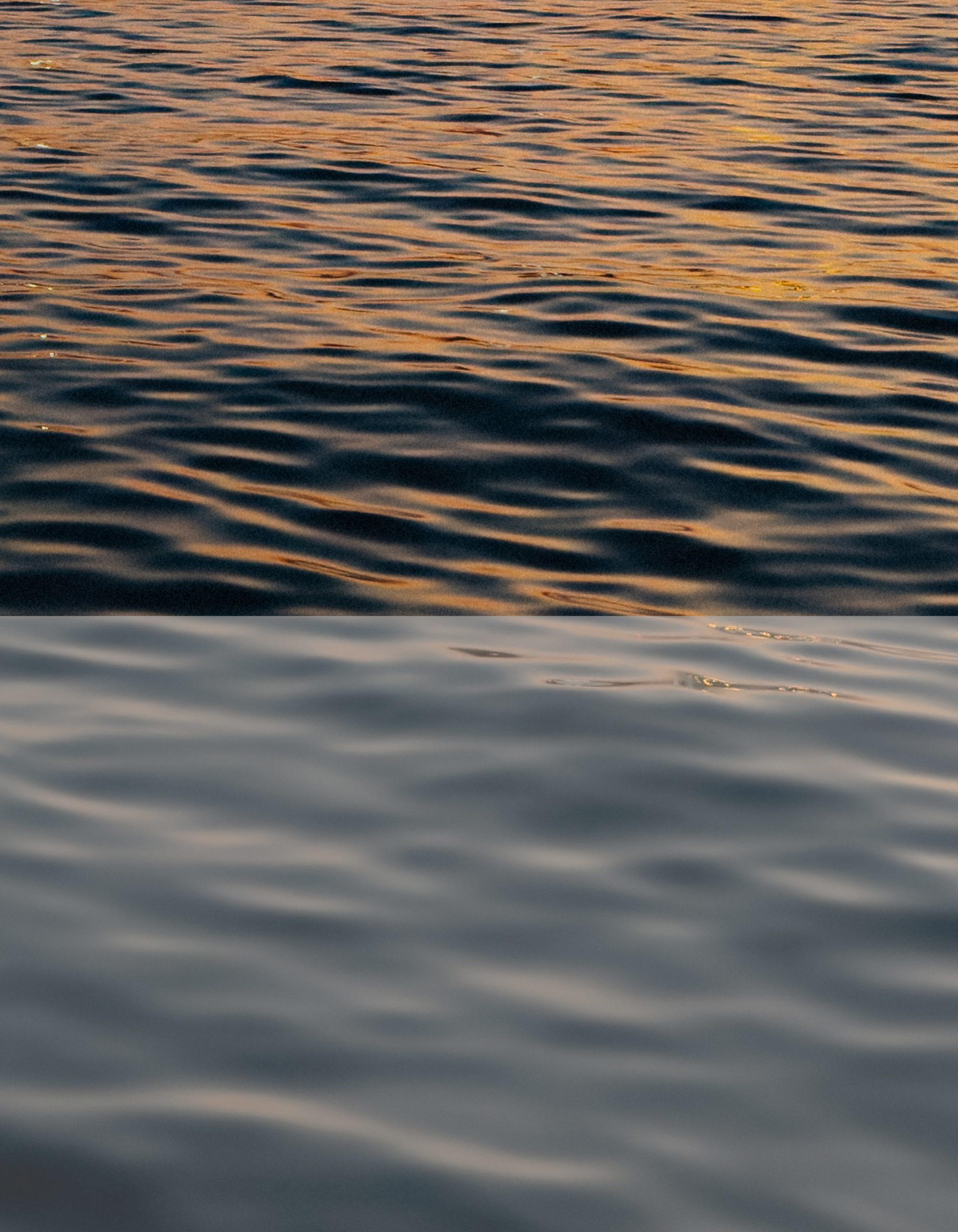
What Are LUTs on iPhone? A Simple Guide
Filming video on iPhone can sometimes look a bit dull — especially if you’re using Apple Log. Apple Log isn’t meant to look good straight…
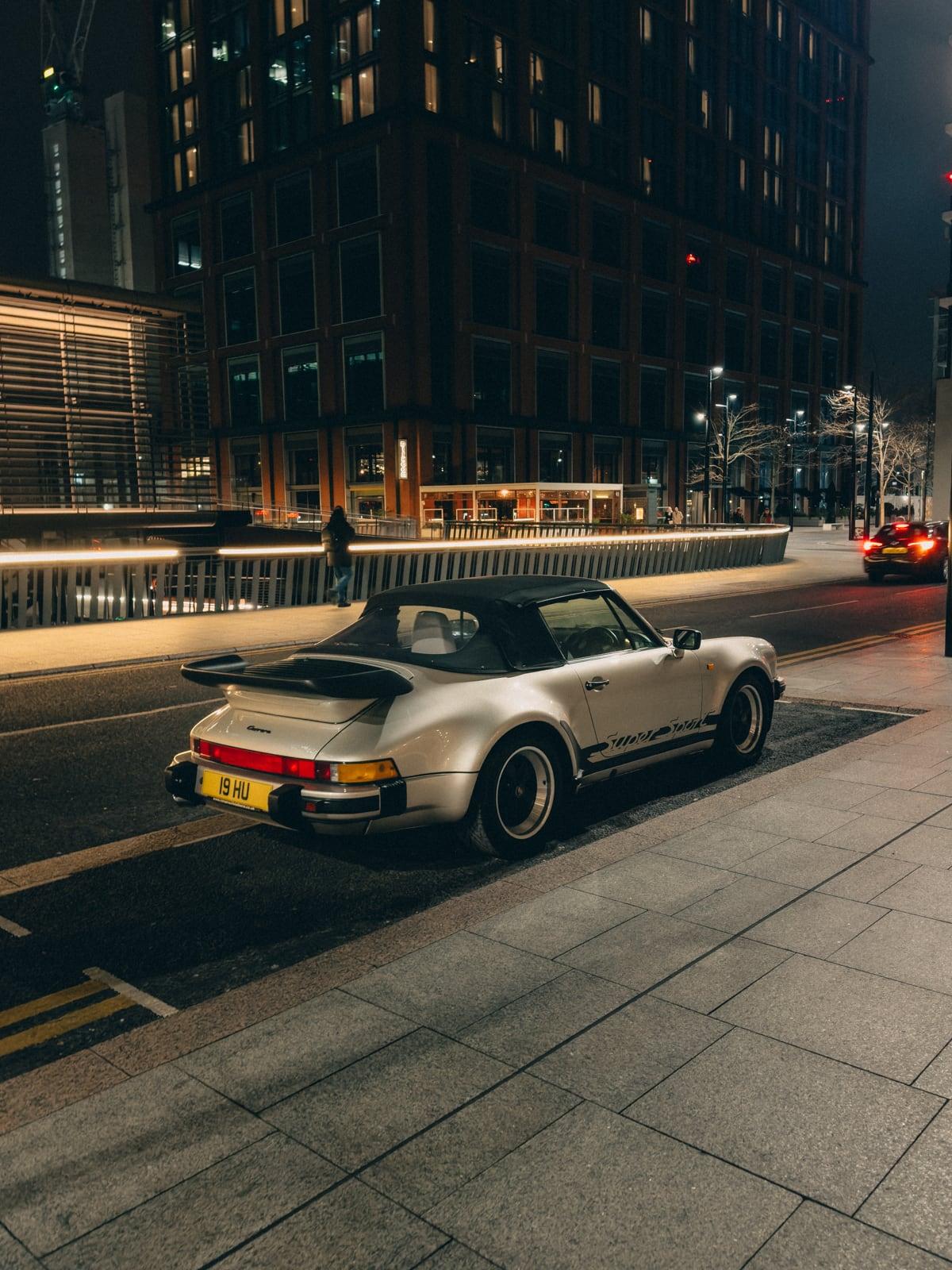
The Easy Way to Get a Disposable Camera Look on iPhone
How to Get the Disposable Camera Look on iPhone You don’t need a film camera to get a disposable-style look. And you definitely don’t need…
10 Tips for Better iPhone Zoom Photos
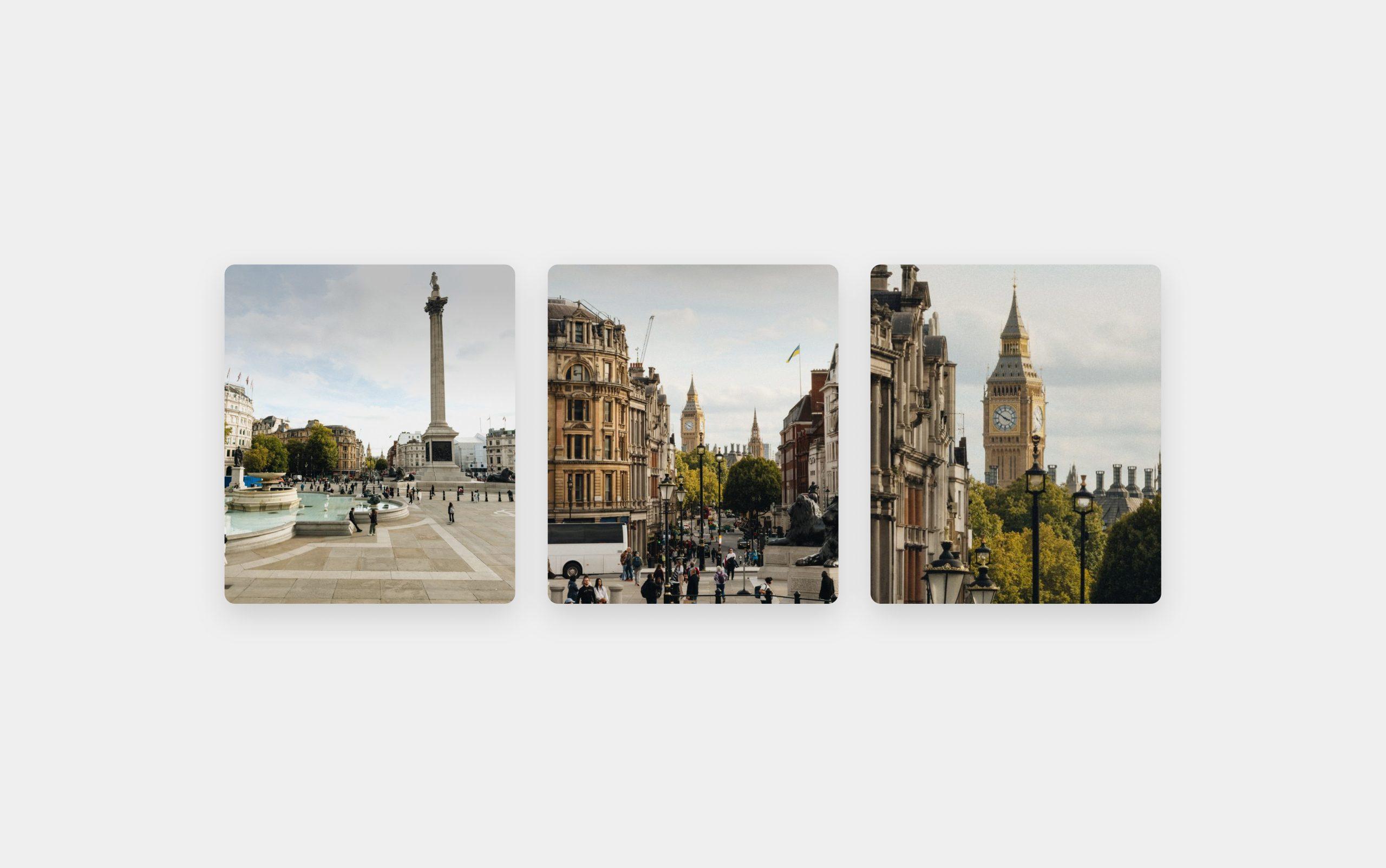
Take clearer iPhone zoom photos. Understand optical, optical-quality and digital zoom, iPhone 17 Pro 4x vs 8x, low light and realistic ProRAW limits.
The Best Way to Organise Photos and Videos on iPhone
Most iPhone photo libraries are a bit of a mess. It just happens over time. You take a lot of photos, you screenshot things, you…

How to Get Better Photos on iPhone (ProRAW vs JPEG)
You’ve probably gone through your iPhone’s settings before and seen something called Apple ProRAW. It sounds technical, but it’s not. The real difference between ProRAW and…
Best iPhone Camera Accessories in 2026
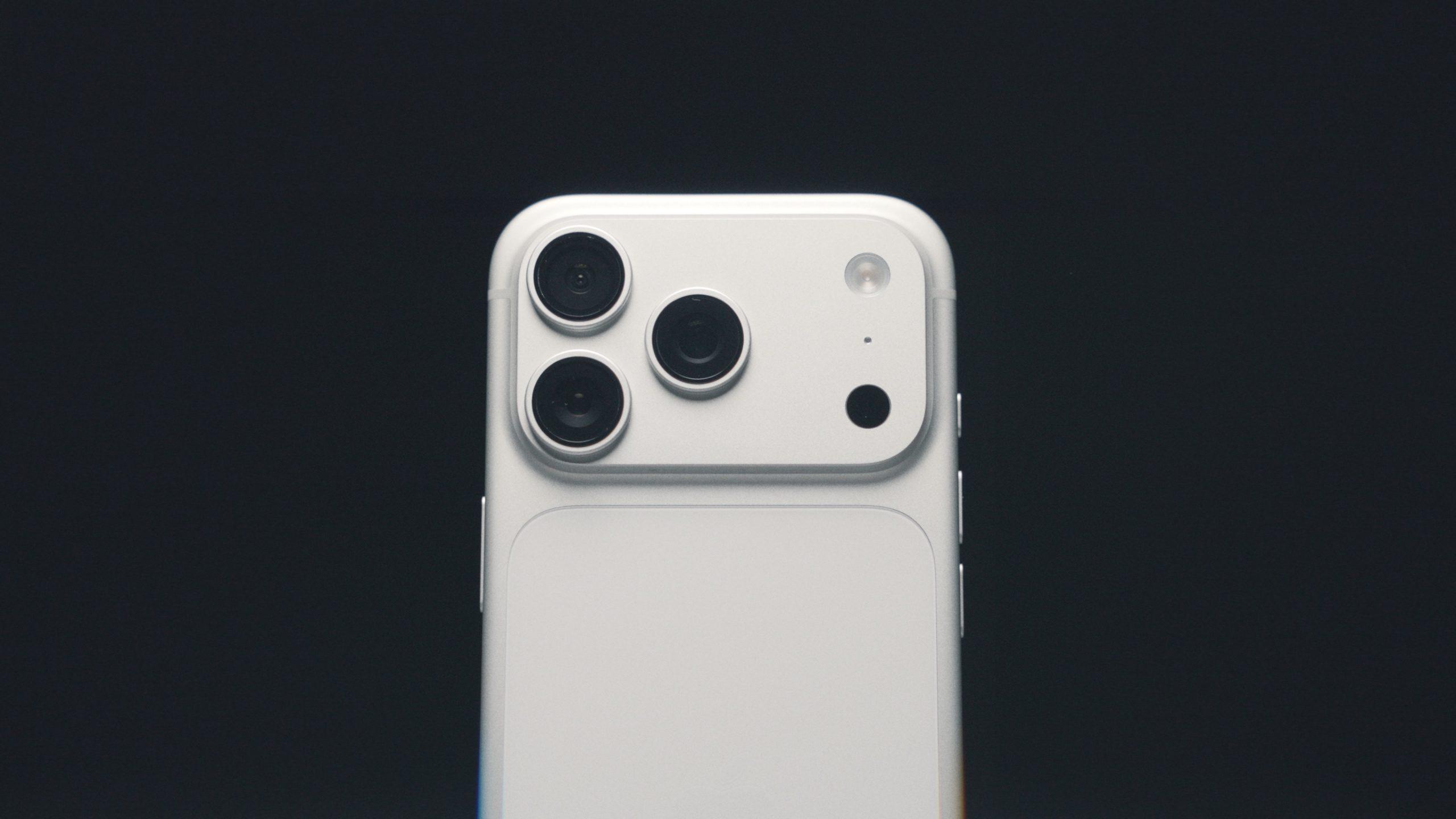
Most of the time, we shoot with just my iPhone and nothing else. But there are moments where the phone starts to feel like the…

The Best iPhone Camera Tips You Probably Didn’t Know About
Most people use their iPhone camera exactly how it comes out of the box. They point it at something, take a photo, and hope it…
Get Better Looking Video on iPhone (A Guide to Apple LOG)
Apple added a setting called LOG to the iPhone, and most people either ignore it or turn it on without really knowing what it does.…
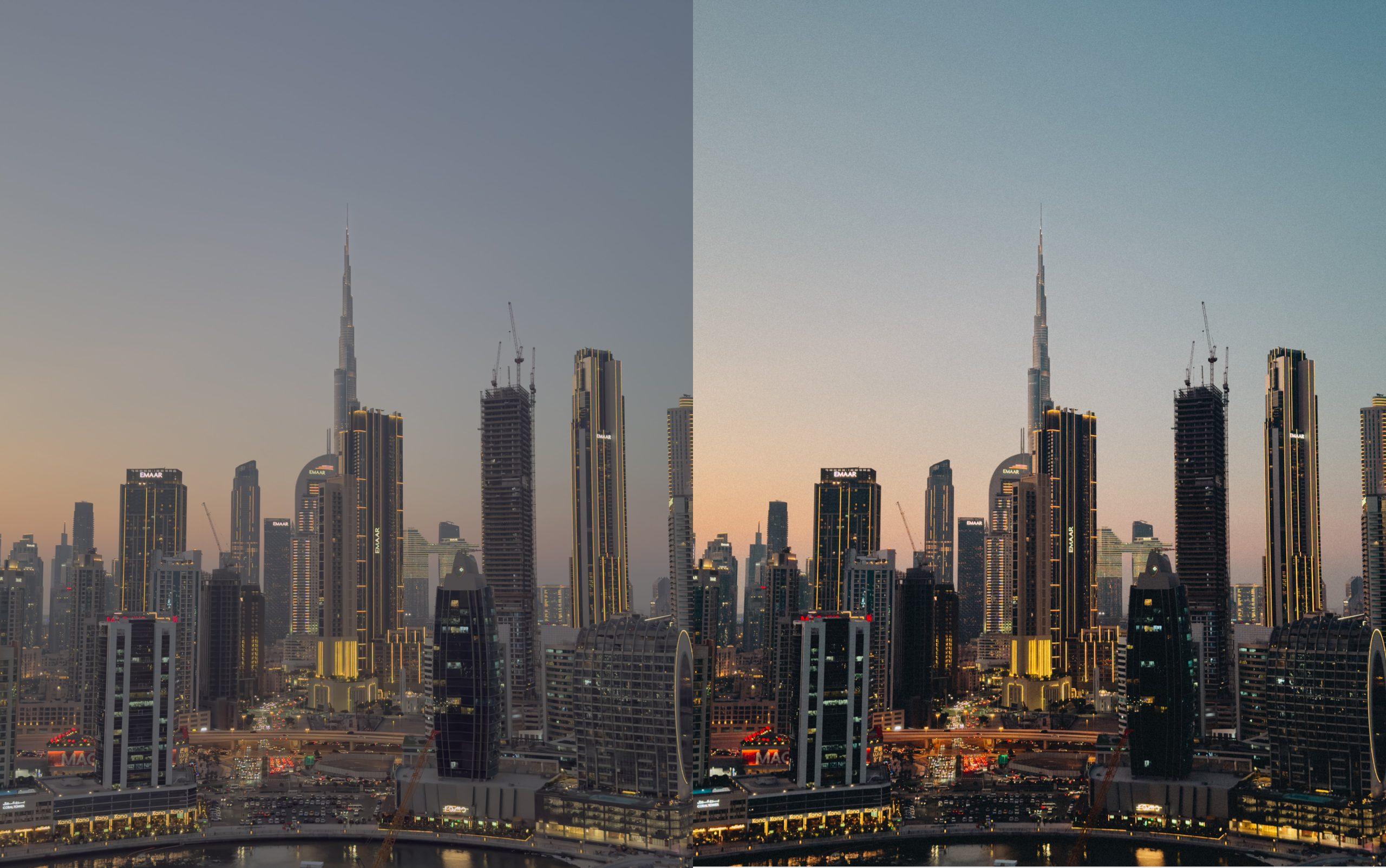
The Beginner’s Guide to Editing Photos on iPhone
Most iPhone photos don’t look bad — they just look unfinished. They’re usually a bit flat, too bright, or slightly off in colour. Editing is…
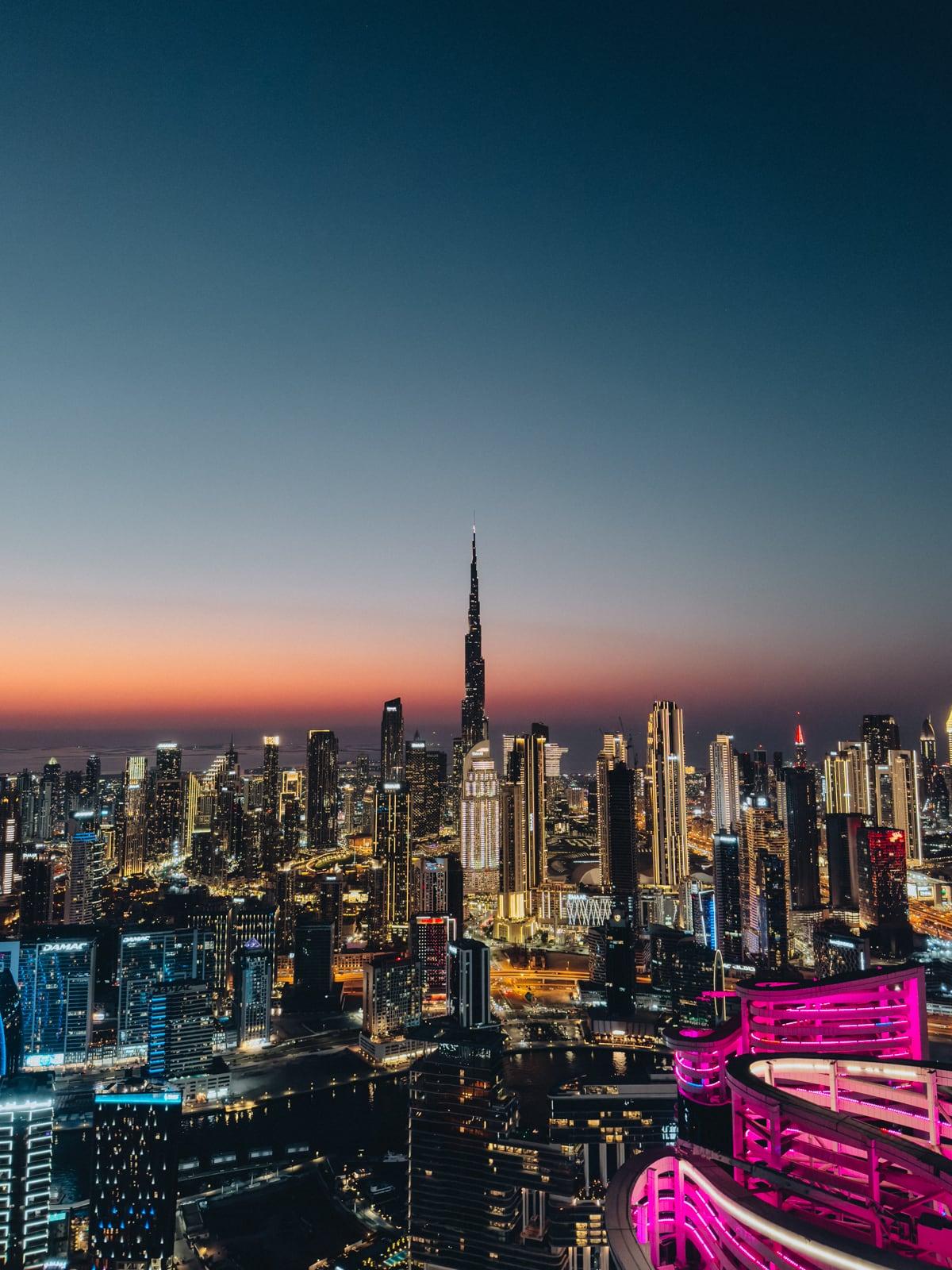
The Easiest iPhone Photography Tricks Everyone Should Know
Most people already have a good enough camera in their pocket. The problem isn’t the iPhone. It’s how it’s used. Small things like light, framing,…
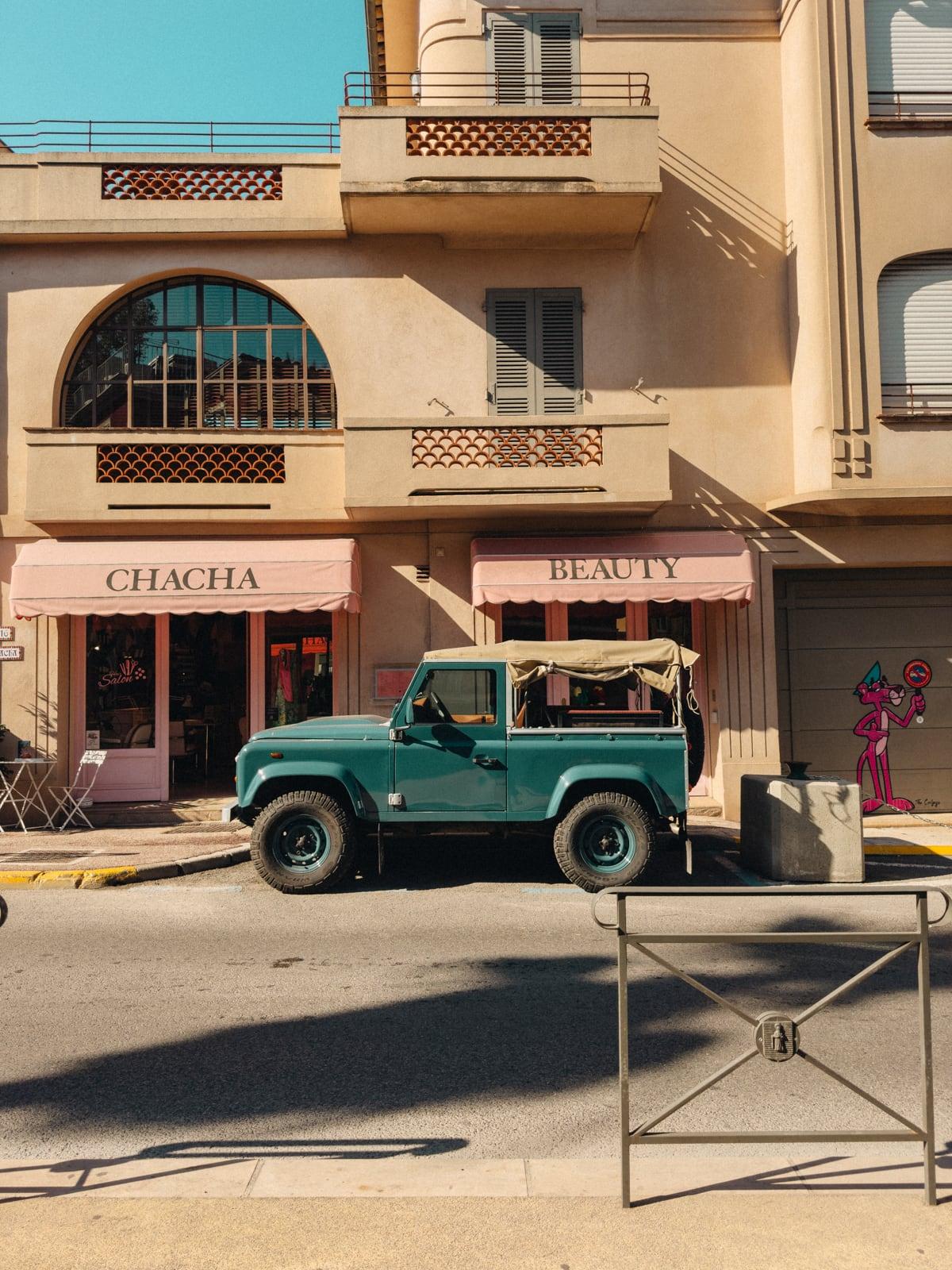
10 Simple Ways to Make Your iPhone Photos Look Vintage
Make iPhone photos look vintage with a simple Apple Photos edit, Lightroom grain and faded blacks. Includes practical steps and ProRAW caveats.
How to Get Better TikTok and Instagram Videos on iPhone
If your iPhone videos don’t look as good as you expect, it’s usually not the camera. It’s the settings. Once a few things are set…
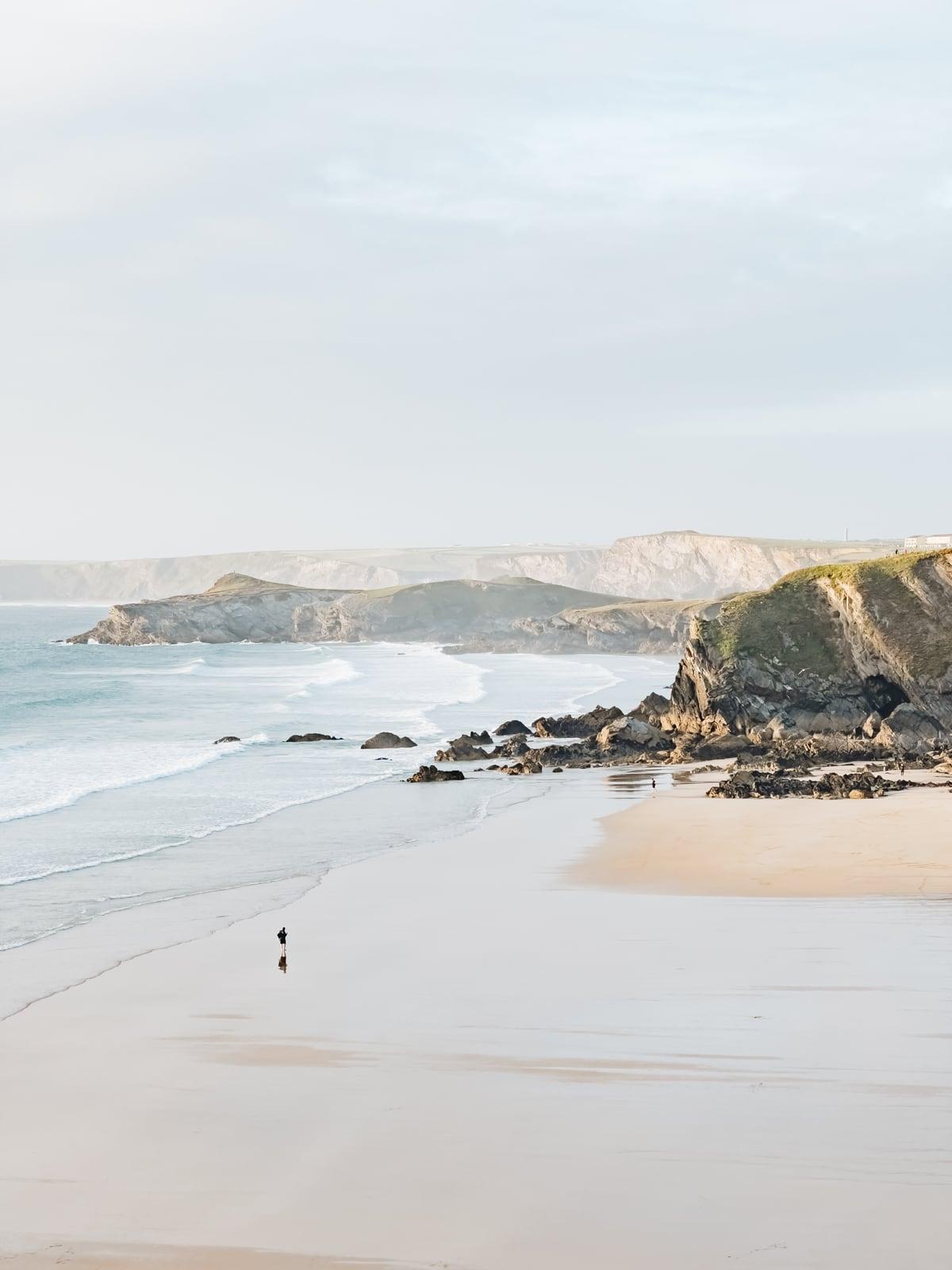
4 iPhone Camera Tips That Instantly Make Your Photos Look Better
4 iPhone Camera Settings That Instantly Make Your Photos Look Better We’ve been shooting on iPhone for years. The goal has always been the same…
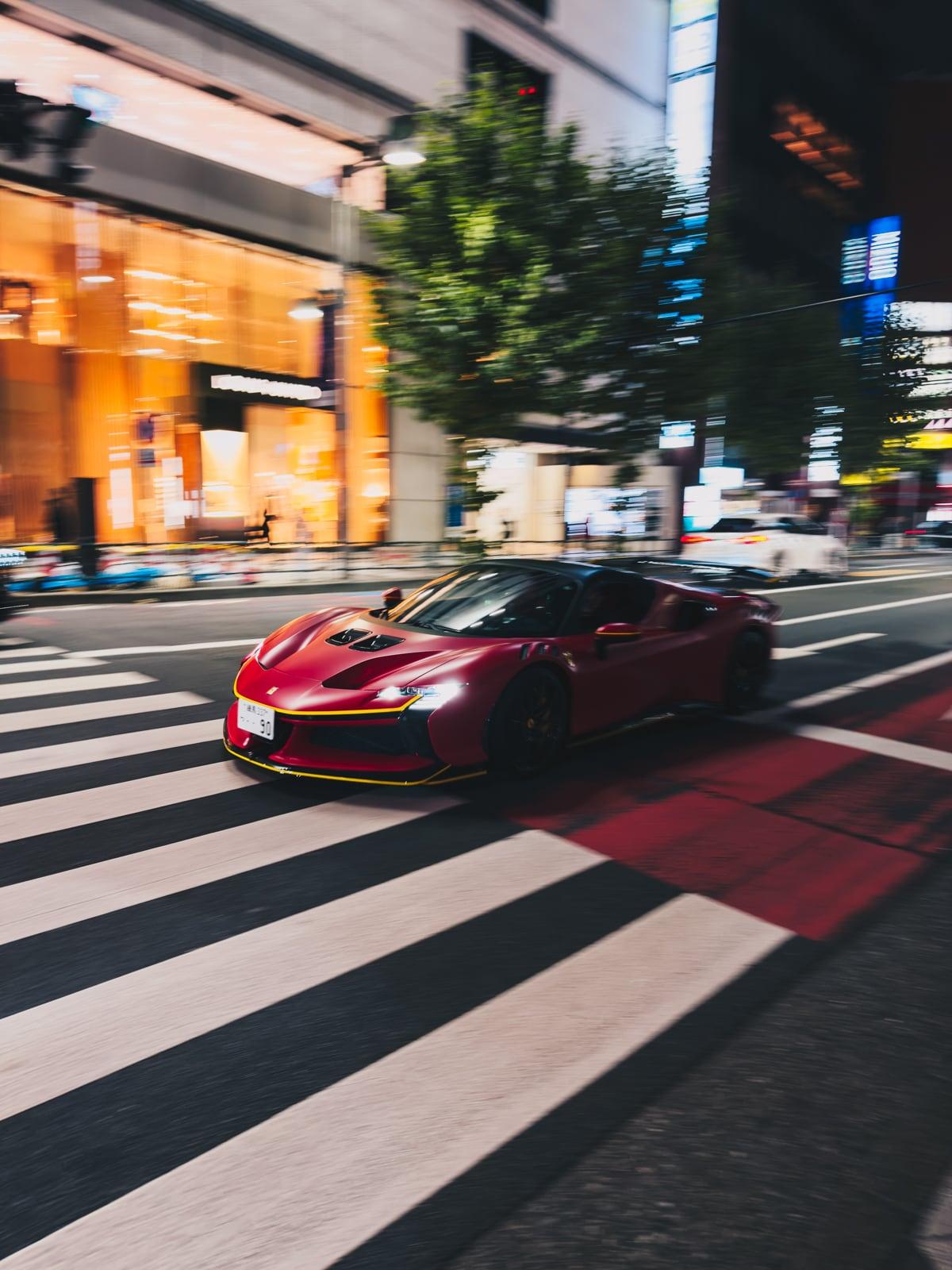
How to Take Better Car Photos on iPhone
If you have an iPhone, you can take good car photos. Most of the difference comes from how you use it, not what you use.…
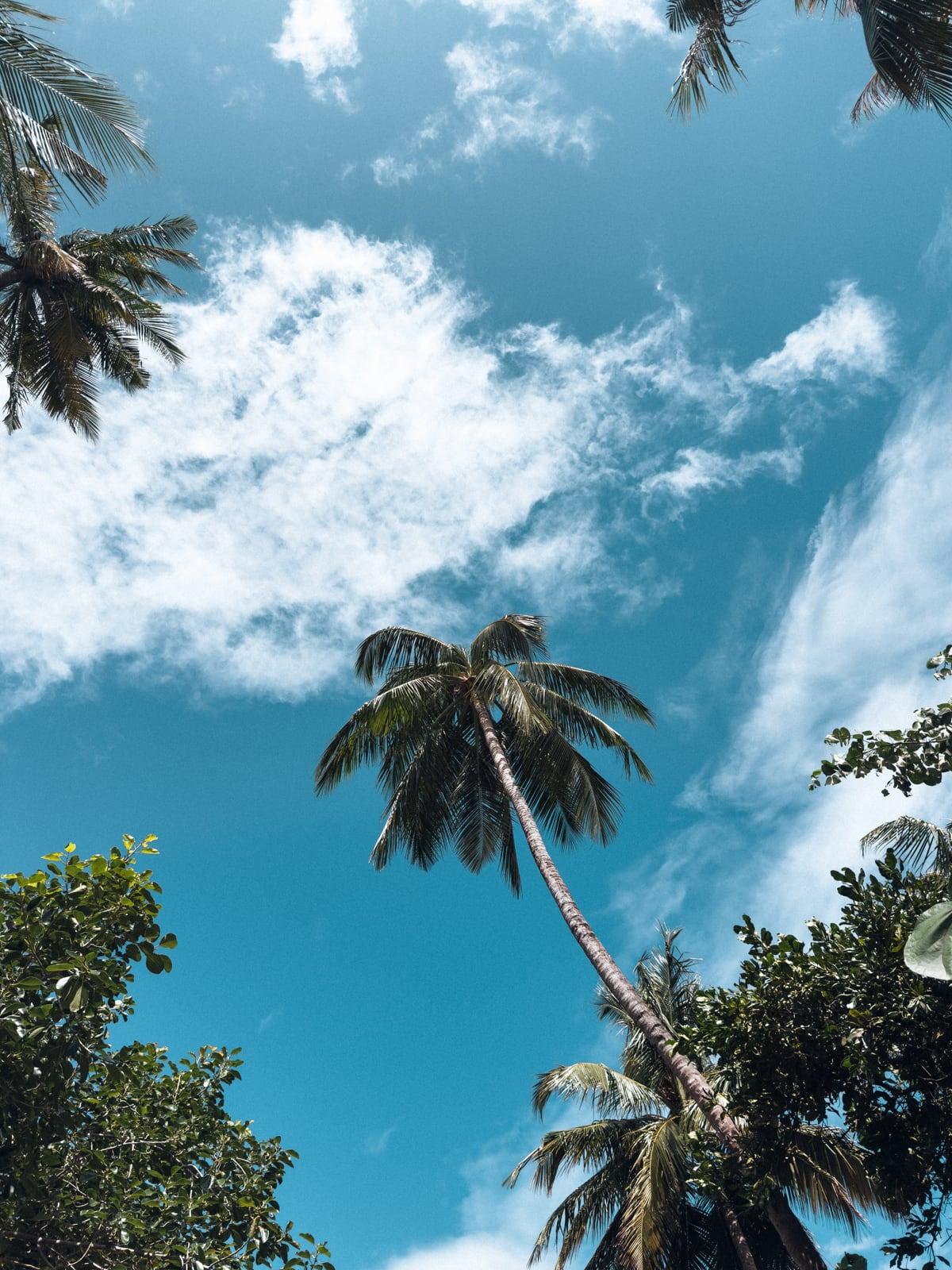
The Best iPhone Presets for Travel Photography (With Examples)
Travel photography should be simple. You’re already shooting in good locations, often with decent light. But even with a modern iPhone, photos don’t always come…
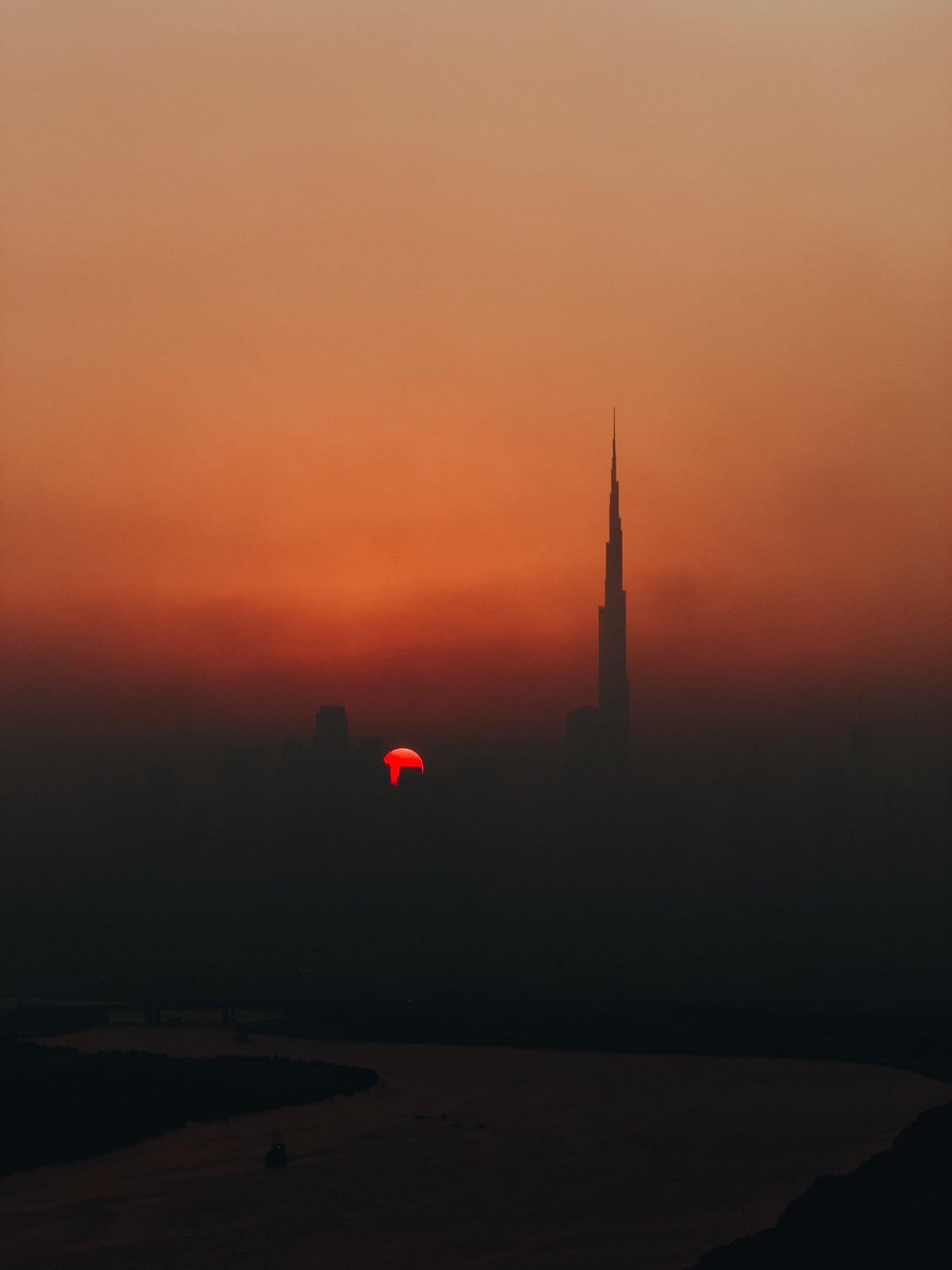
How to Take Better Photos on iPhone (Without Learning Photography)
Most iPhone photos don’t turn out badly because the camera isn’t good. They turn out badly because the iPhone makes a lot of decisions for…
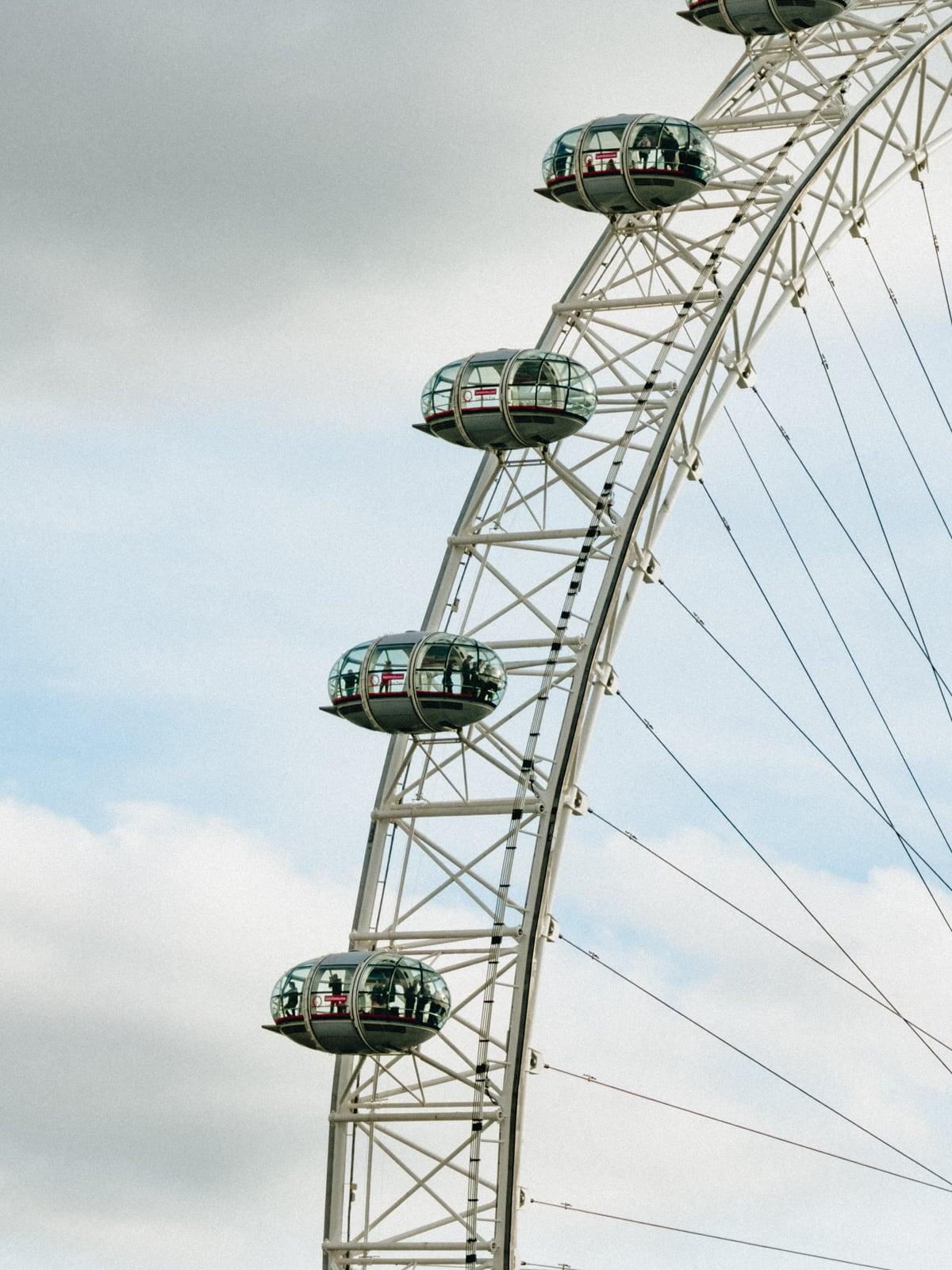
Difference Between iPhone Lenses Explained
The iPhone 17 Pro has three cameras, but they don’t all give you the same results. Apple markets it as having loads of focal lengths,…
The Easiest Way to Install Lightroom Presets on iPhone (2026)
You’ve downloaded your presets. Now you’re wondering how to actually use them on your phone. This is easily one of the most common questions we…
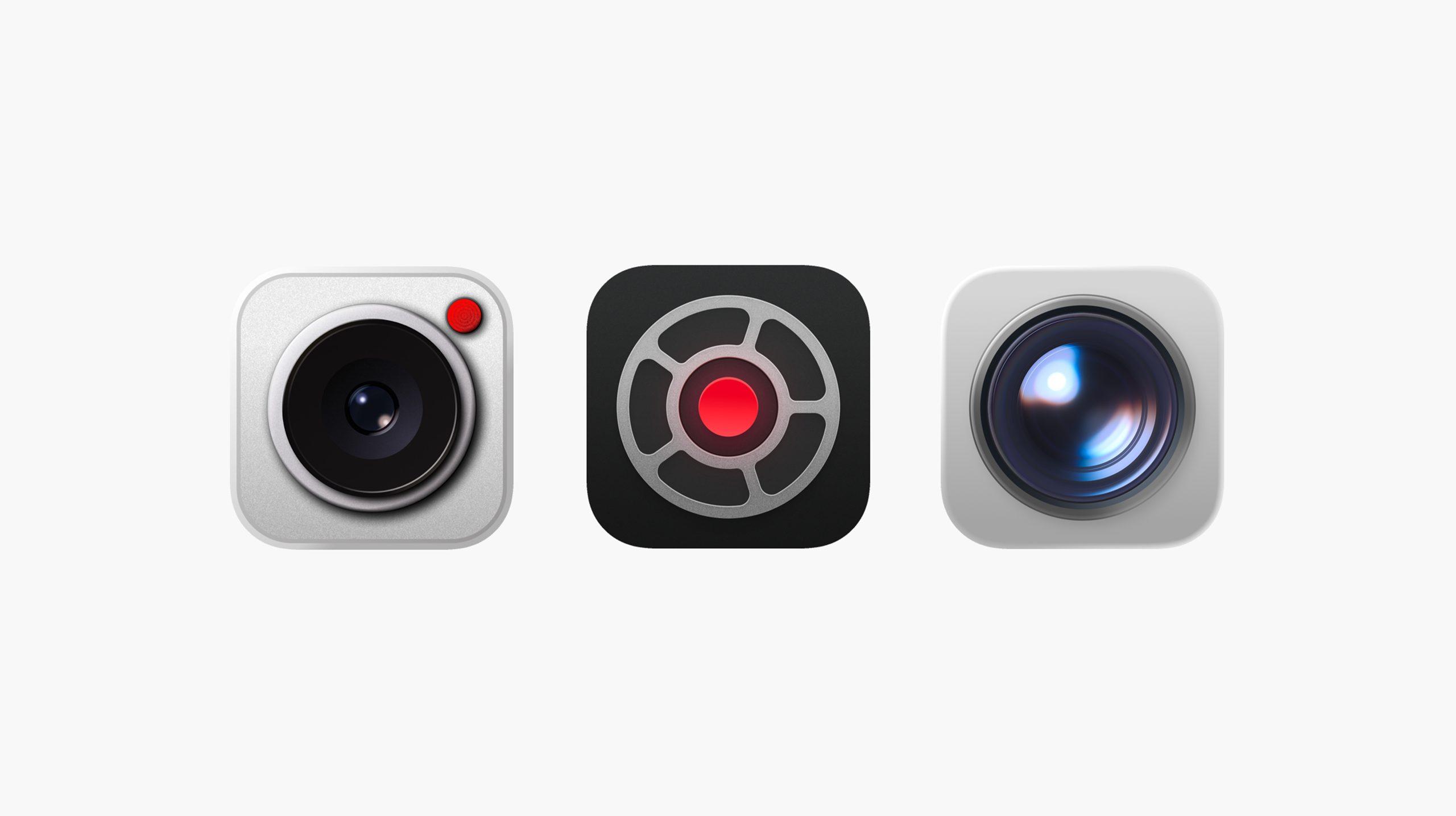
The Best Camera Apps for iPhone in 2026
The iPhone camera is already very capable. But the app you use to take photos can change how much control you have, how your photos…
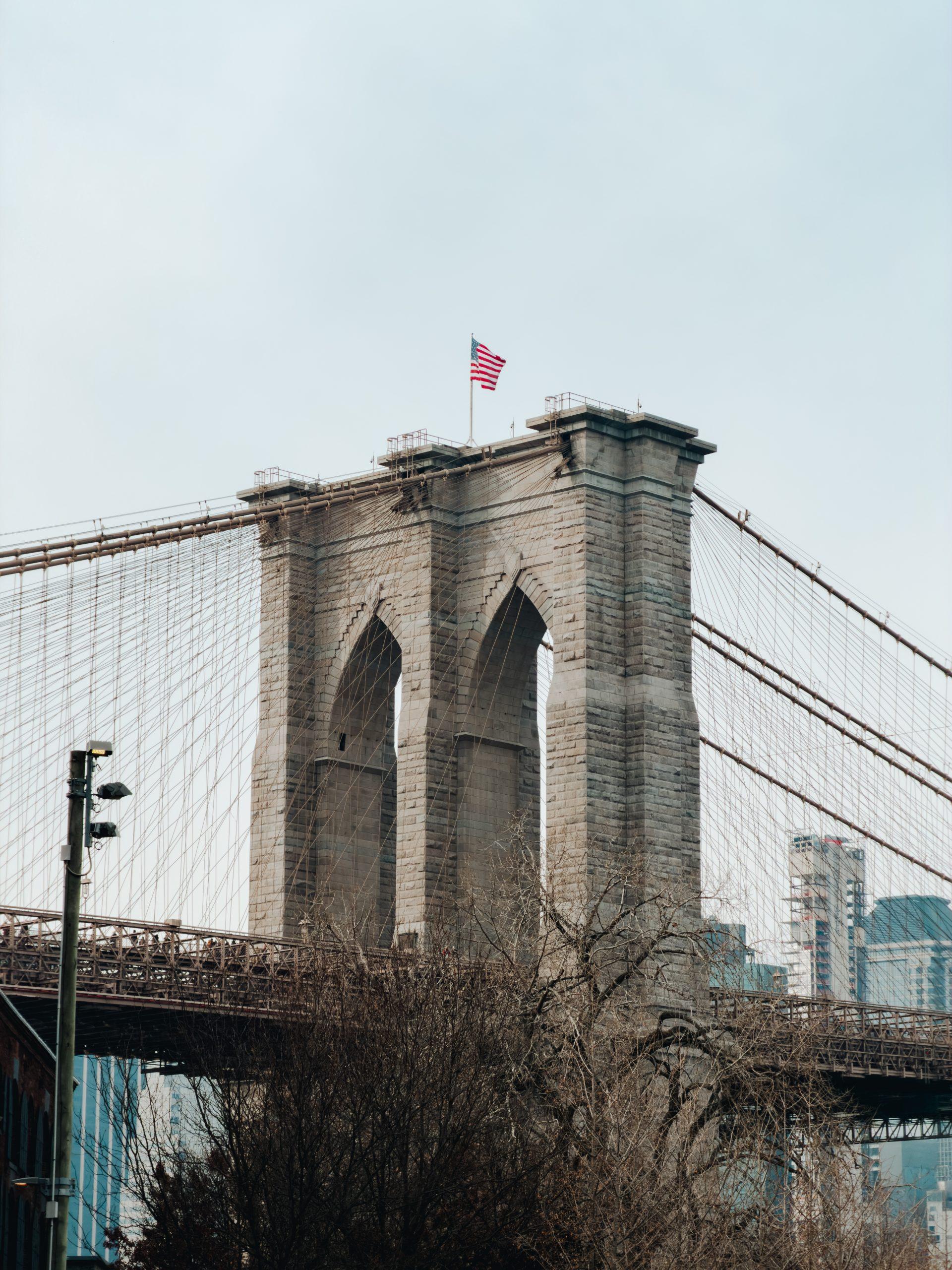
11 Simple Tips to Instantly Improve Your iPhone Shots
Most of us use our iPhones to capture everyday stuff — people, places, moments we don’t want to forget. But sometimes the photo just doesn’t…
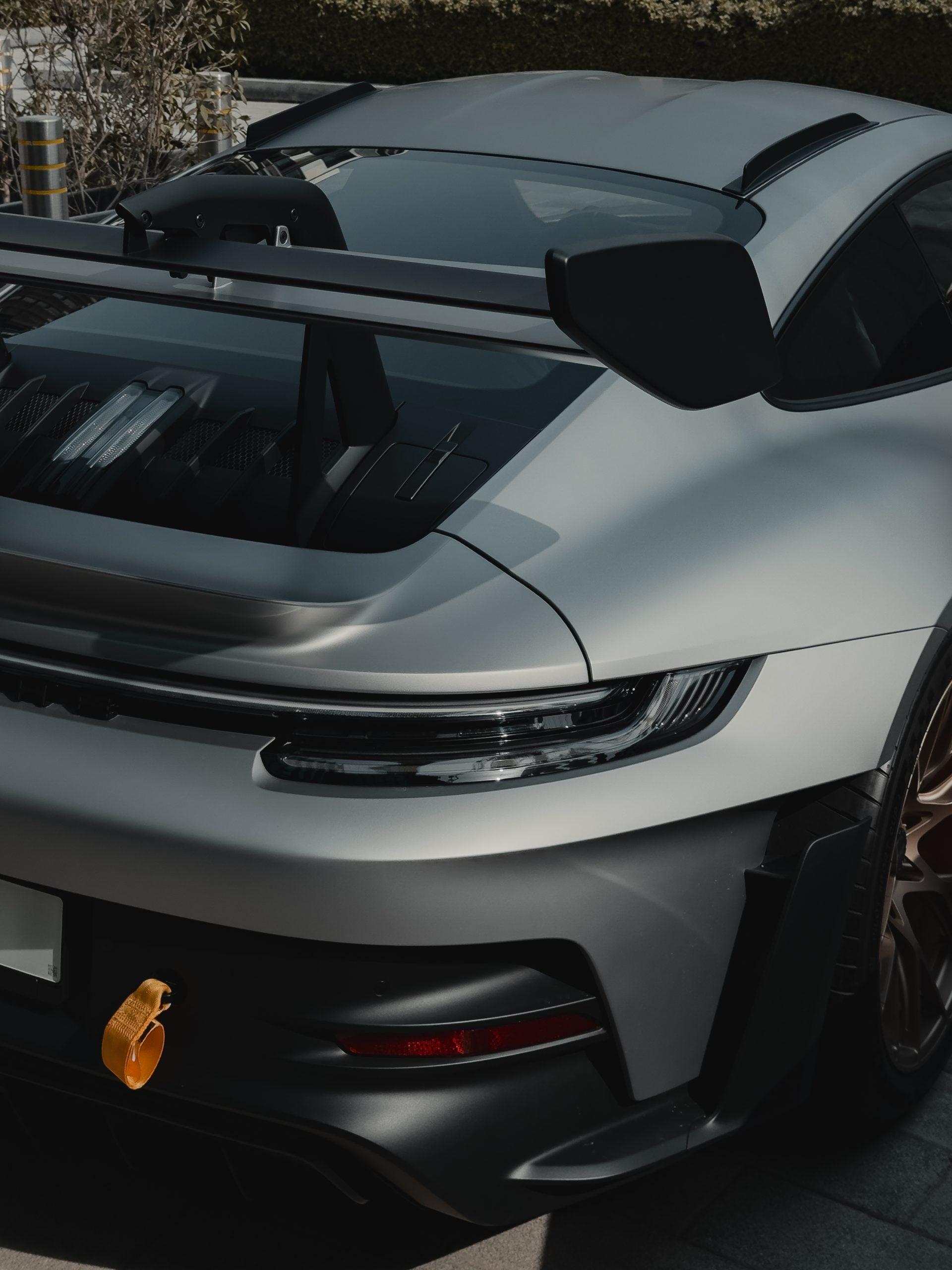
How to Get the Dark Aesthetic Look on iPhone
You see it a lot on Instagram lately. Photos that lean darker, feel cinematic, and have that subtle aesthetic look. Nothing overly dramatic or blown…
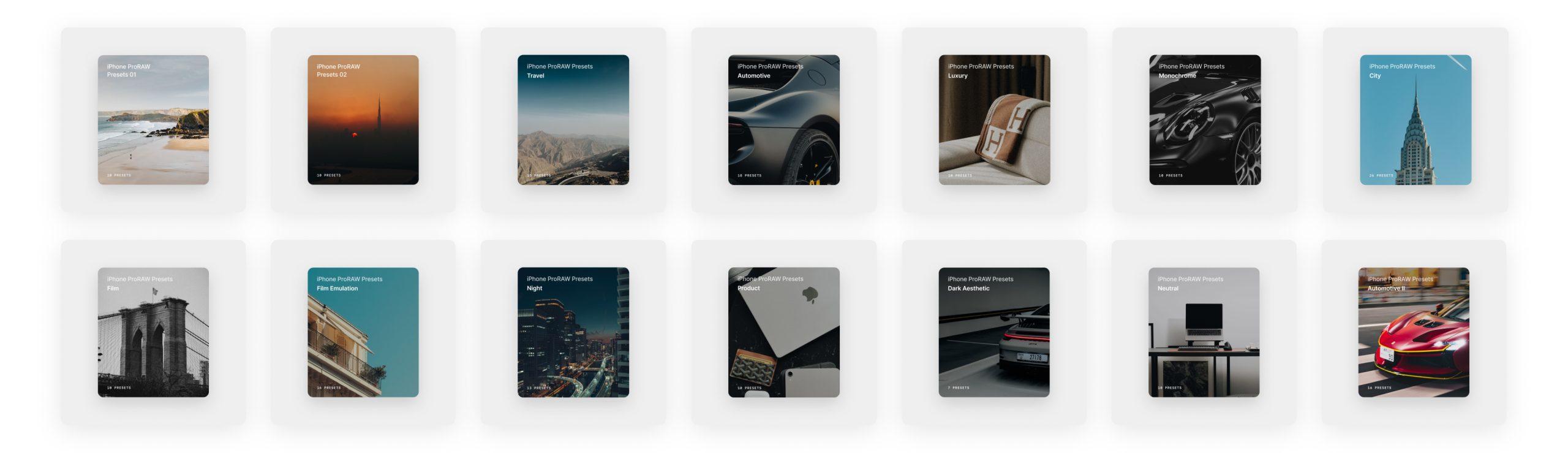
How to Install Lightroom Presets on Your iPhone
Presets are one of the easiest ways to make your iPhone photos look better. One tap — and your photos have a consistent look, without…

The Correct iPhone Camera Settings for Amazing Photos
Choose practical iPhone camera settings for everyday photos or a ProRAW editing workflow, with a quick-reference table and model compatibility notes.
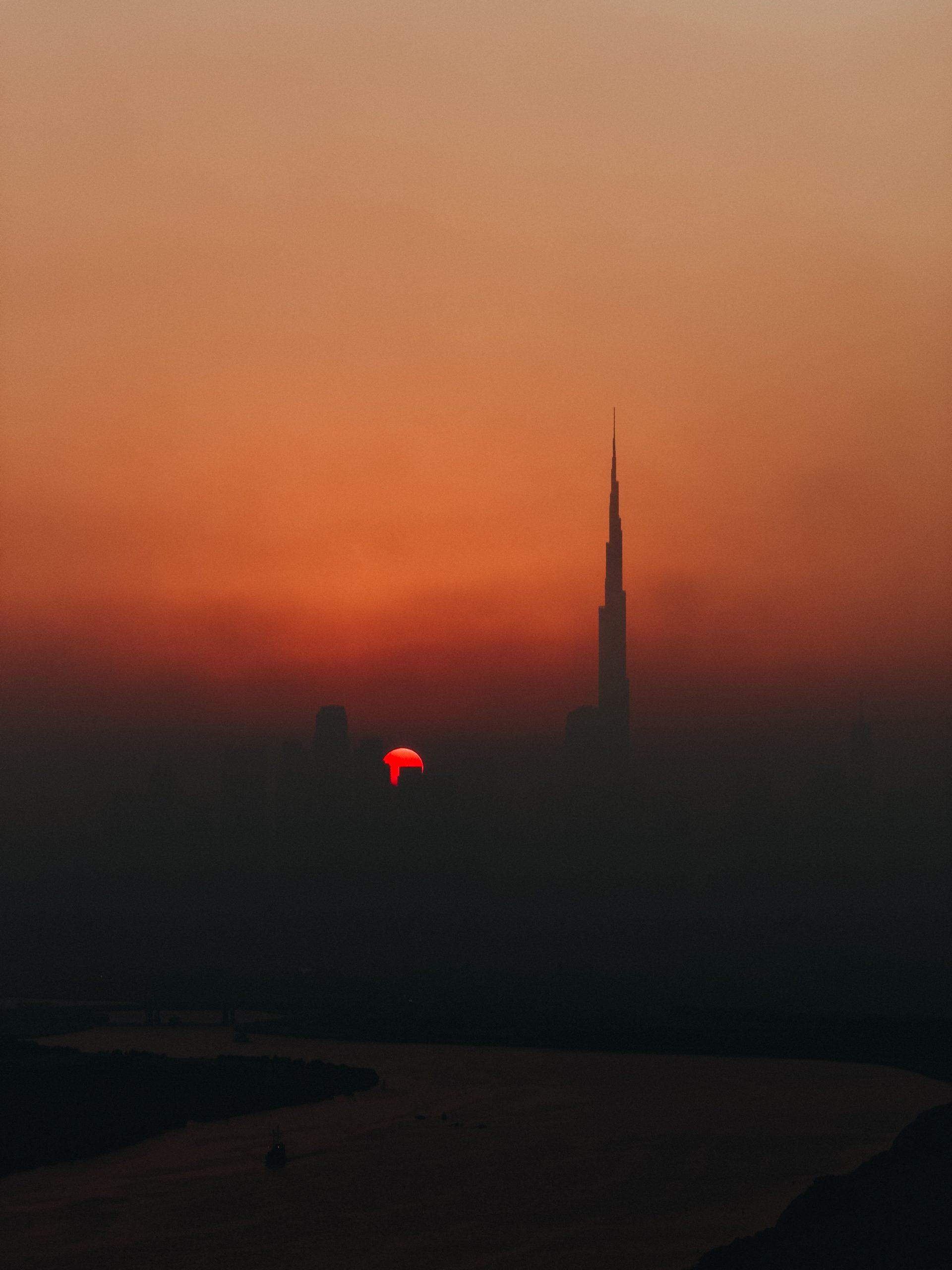
The One Hack to Get Amazing Photos on iPhone
Most of us just open the camera, take the photo, and move on. And the iPhone does a lot of work behind the scenes: Brightening…
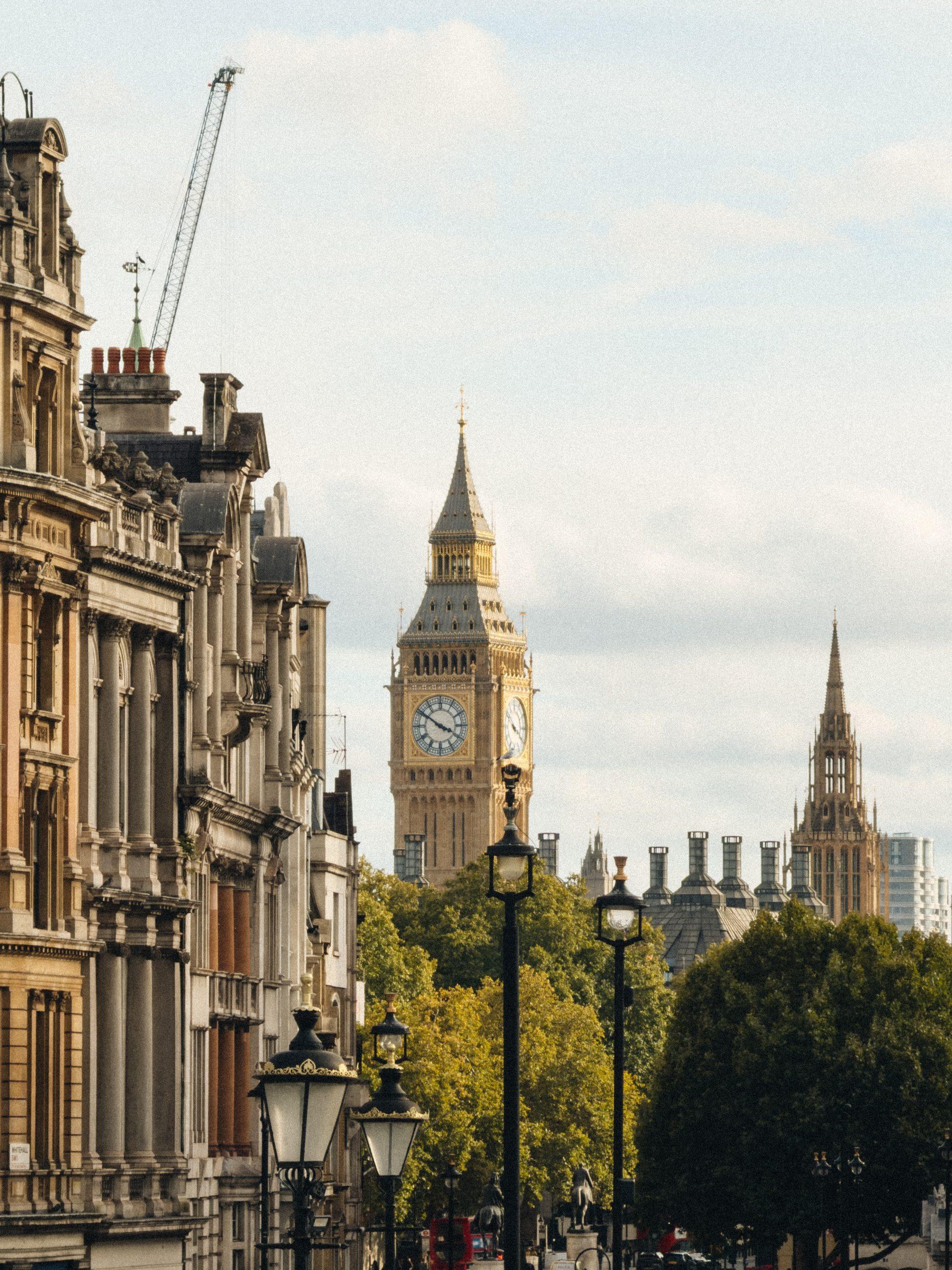
How to Make Your iPhone Photos Look Better (Using Presets)
You know those iPhone photos that look way too good to be from a phone? Usually it’s just a preset. Presets are the quickest way…
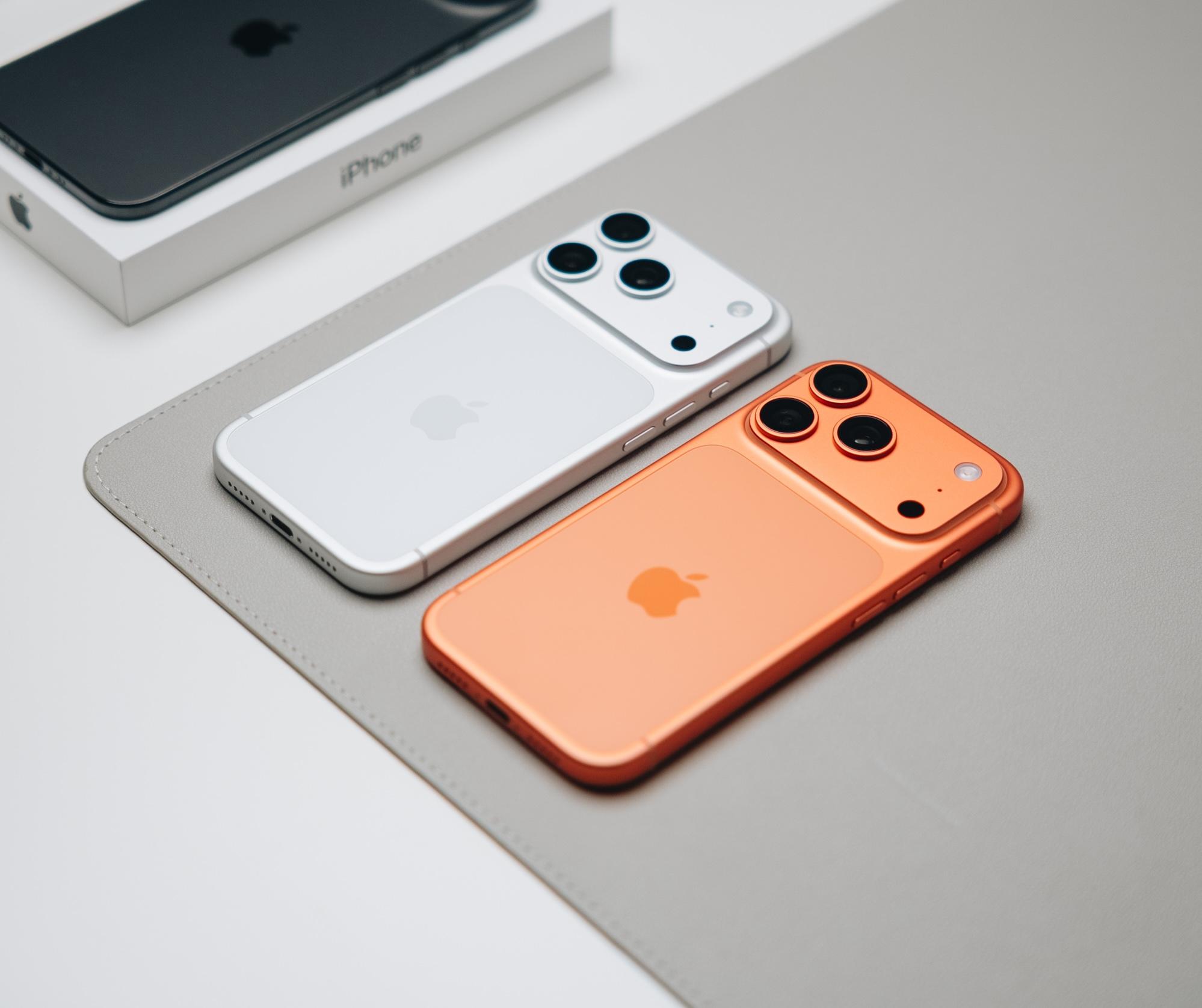
How to Shoot ProRAW on iPhone in Less Than 5 Minutes
Some iPhone photos simply look better. More detail. Better colour. Less of that processed look. Most of the time, that comes from shooting in ProRAW.…
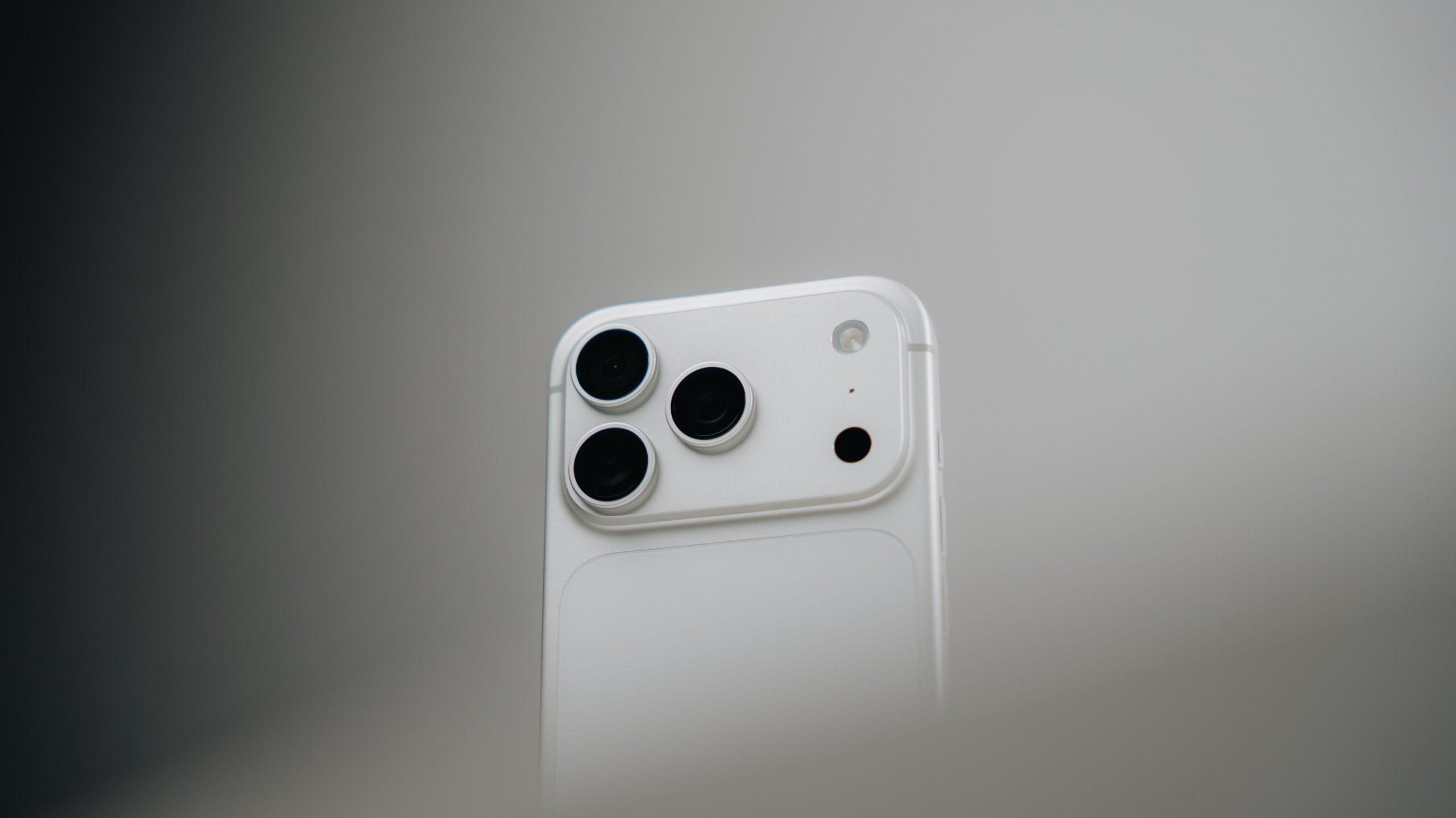
How To Get The Best Quality Images on Your iPhone
Taking better photos with your iPhone comes down to a few settings and techniques that anyone can use. You don’t need professional photography knowledge or…