Shoot. Edit. Make it yours.
iPhone Lightroom presets.
Saved edits for your iPhone photos, applied in Lightroom. Find a look you like, adjust it to your shot, and build a consistent style without starting from scratch.
Compare the kitsReal photos. Before and after.
Compare straight-from-iPhone originals with edits made using the kit. Camera details are shown below each photo. Results depend on the original light, exposure and your adjustments.
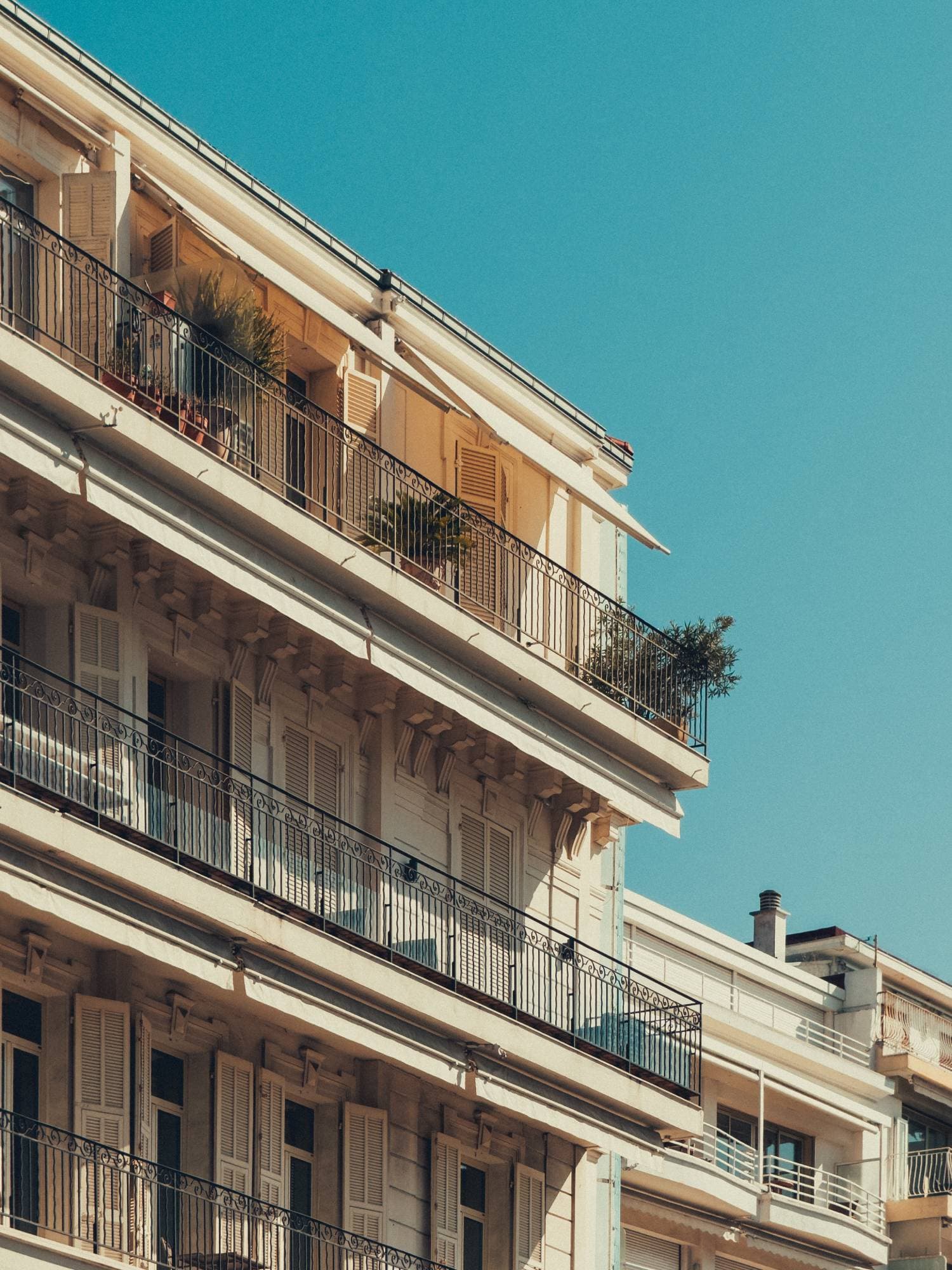
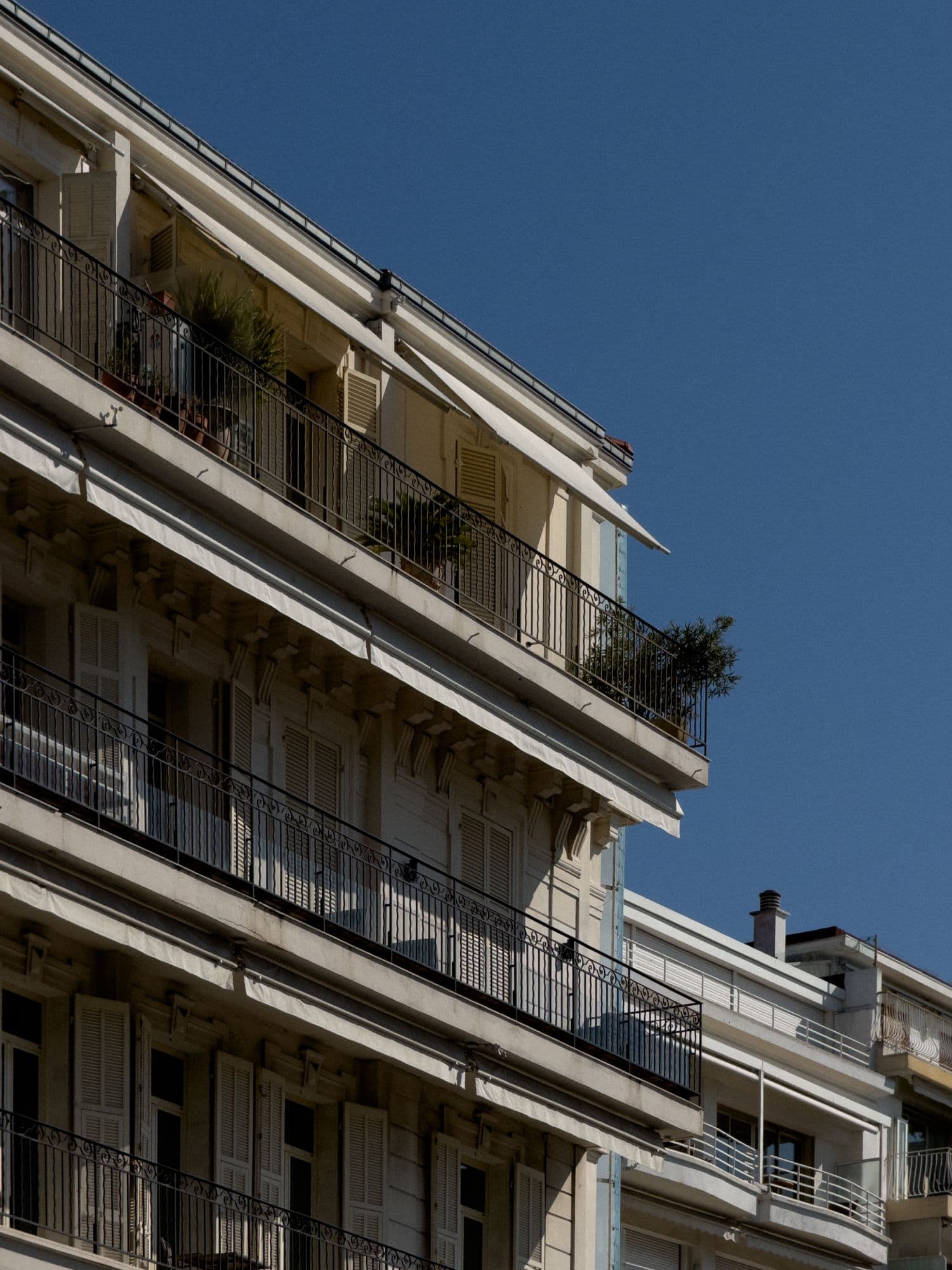
iPhone 15 Pro MaxTelephoto 120mmƒ/2.81/2400sISO 50
What are iPhone presets?
A Lightroom preset is a saved group of editing settings, such as colour, contrast and tone. Apply one to a photo in Lightroom, then fine-tune exposure and white balance for that image. It is an editing starting point, not a replacement for good light or a sharp original.
Our kits combine iPhone photo presets with camera-setting lessons and Apple Log video LUTs. Presets edit still photos; LUTs are a separate part of the kit for grading compatible video footage.
What do you need?
- Lightroom: the presets are supplied as XMP and DNG files for Lightroom workflows. They are not presets you install in Apple's Camera or Photos app.
- An iPhone photo: a Pro model is recommended for the kit's ProRAW workflow. Non-Pro iPhones do not capture Apple ProRAW, but you can still edit their photos in Lightroom. The same preset can look different on a processed HEIC/JPEG and a ProRAW file.
- The right Lightroom features: app features and subscription requirements vary. In particular, Adobe lists RAW editing as a premium mobile feature. Check Adobe's current mobile feature list before choosing your workflow.
Not sure how to capture the best starting image? Read the iPhone camera settings guide and our introduction to Apple ProRAW.
How to install presets on iPhone
- Download your kit after purchase and unzip the files in the Files app.
- For a DNG workflow, import the supplied DNG into Lightroom, open it, and use Create Preset to save its settings. Repeat for the looks you want to keep.
- For XMP files, use Lightroom's preset import workflow. The available import controls depend on the app and version; desktop Lightroom can sync imported presets with the same Adobe account.
- Open your own photo, apply a saved preset and adjust exposure and white balance. Export a copy when you are happy with the result.
Follow the step-by-step iPhone installation guide for the full walkthrough.
Choose a look for the photo, not just the subject
Start with a travel or city look for outdoor scenes, try a film-inspired edit for a softer mood, or use an automotive look for cars. Mixed indoor light and night scenes often need extra exposure or white-balance adjustments. Compare skin tones, highlights and shadows before exporting.
For practical examples, read about presets for travel photos or creating a consistent editing style.
Common questions
Are presets the same as Photographic Styles?
No. Apple's Photographic Styles are camera and Photos features on supported iPhones. These presets are applied in Lightroom after you take a photo.
Will one tap finish every photo?
Not always. A preset applies the saved adjustments, but different light and exposures can need small corrections. It cannot recover detail that was never captured or fix a missed focus.
Do I need a Pro iPhone?
You need a supported Pro model to shoot Apple ProRAW, not simply to use Lightroom presets. A Pro model is recommended if you want to follow the kit's ProRAW lessons. Check the files and editing features you plan to use before buying.
What is included, and how much does it cost?
The current kit contents and prices are listed below in US dollars. Choose the Basic Kit for its starting collection, or the Ultimate Kit for the expanded preset bundle. Contact us if you need help choosing.
Choose your iPhone Creator Kit.
Current bundle contents and prices. Prices are in USD.
Basic Kit
The settings, guide and basic presets.
- 20 Basic iPhone Photo Presets
- Apple LOG Video LUTs
- 14+ Lessons (Video & Written)
- iPhone Camera Settings Cheat Sheet
Ultimate Kit
Everything from the basic, but also over 100 presets for every type of photo.
- 20 Basic Phone Photo Presets
- Apple LOG Video LUTs
- 14+ Lessons (Video & Written)
- iPhone Camera Settings Cheat Sheet
- 100+ Premium Presets
One-time fee. No subscriptions.
Secure payments


