iPhone Creator Kit contributor
Charlie
Charlie writes iPhone Creator Kit's guides to travel, landscape, night and black-and-white photography on iPhone. His guides focus on composition, light and editing: how to get sharp shots, avoid flat or overprocessed photos, and build a consistent editing style with presets.
Official website or creator profileGuides by Charlie
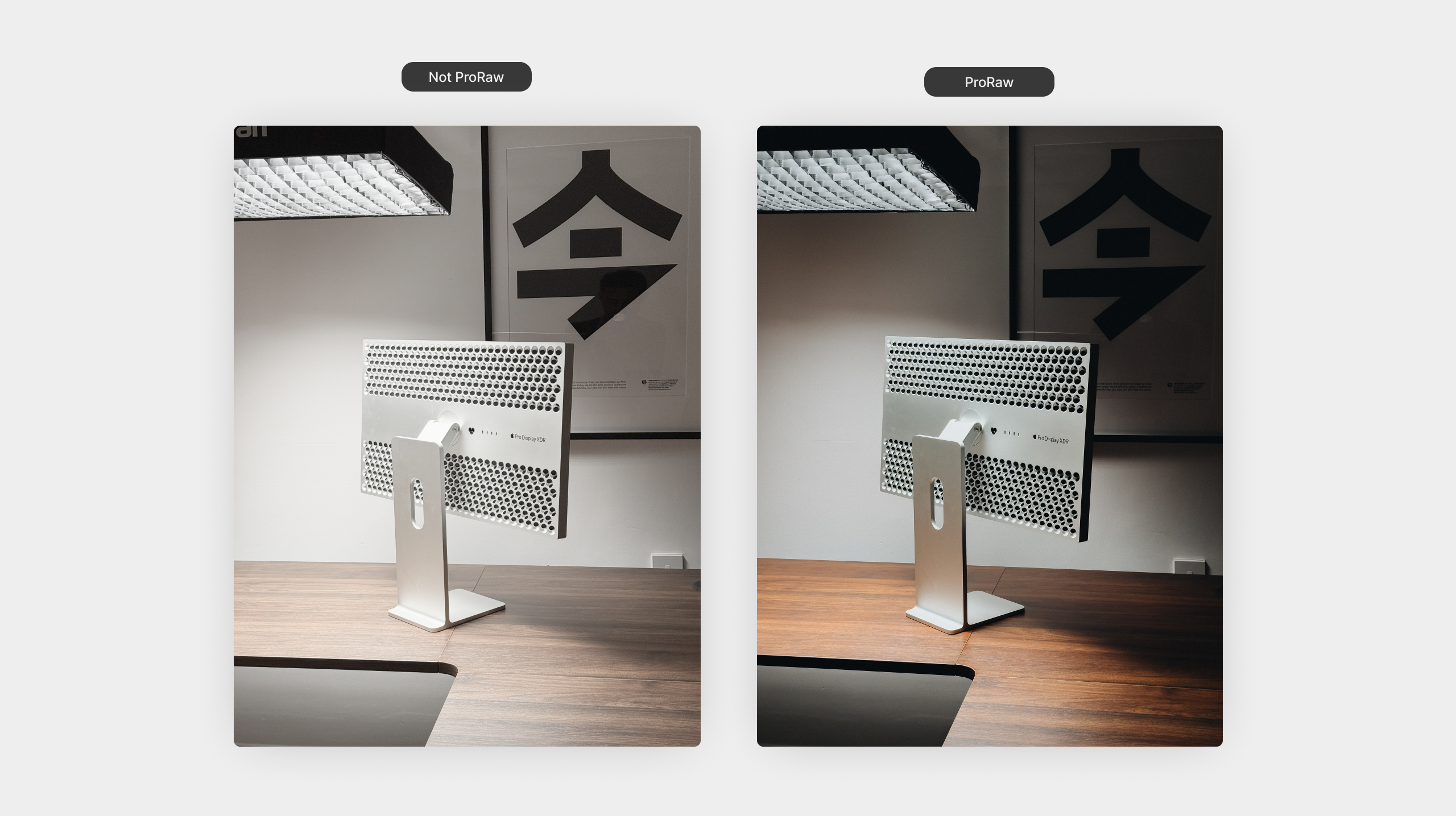
A Beginner’s Guide to ProRAW on iPhone
Apple ProRAW gives you more control over your iPhone photos, especially when it comes to editing. If you have ever felt limited by how much…
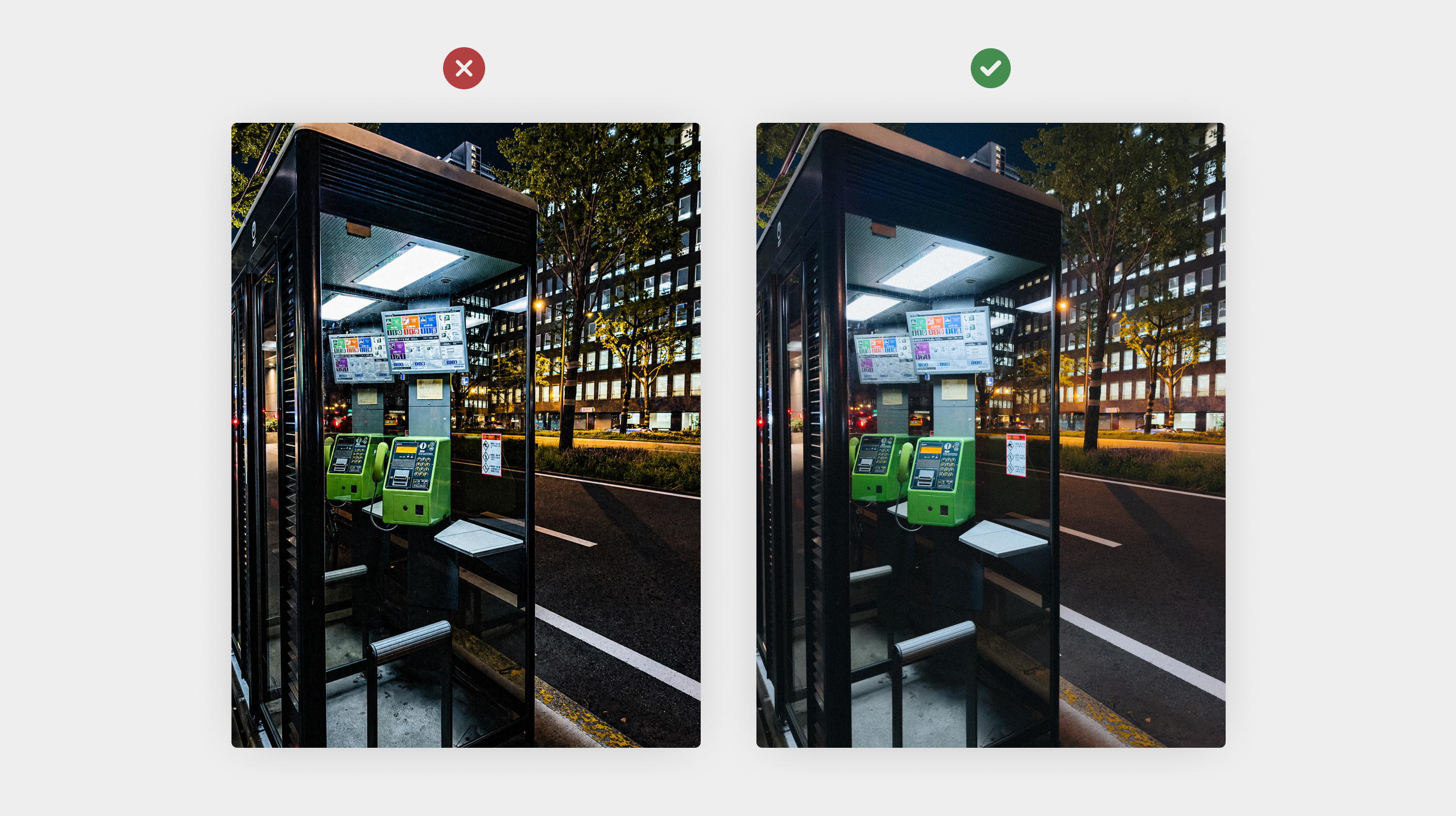
Why Your iPhone Photos Look Overprocessed (And How to Fix It)
Reduce the overprocessed iPhone look with practical checks for sharpening, light, colour and HDR. Learn what ProRAW and presets can—and cannot—fix.
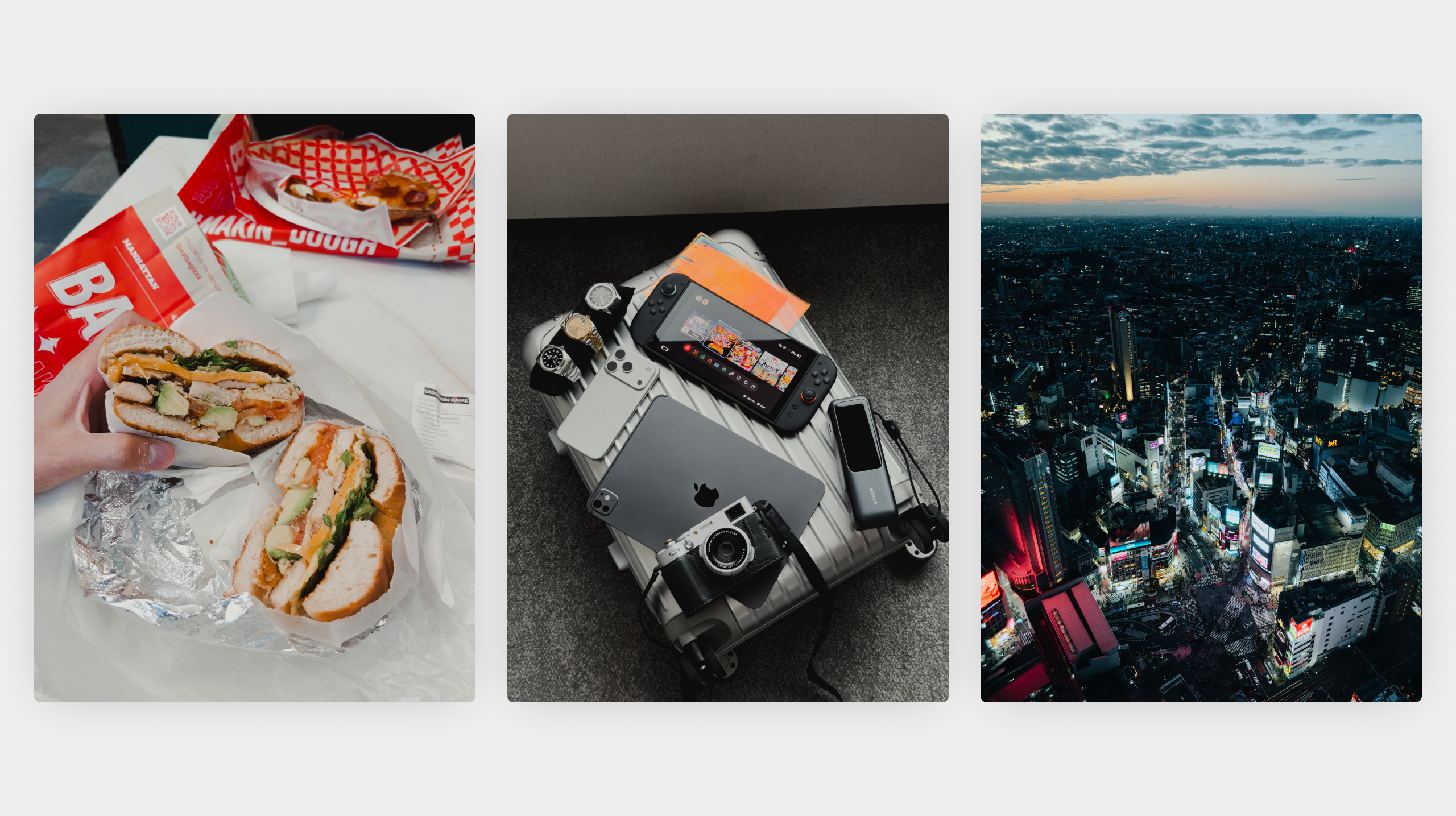
How to Take Better iPhone Travel Photos Without All The Gear
Travel photography often looks impressive because of expensive cameras and equipment. The reality is that you do not need any gear to capture great travel…
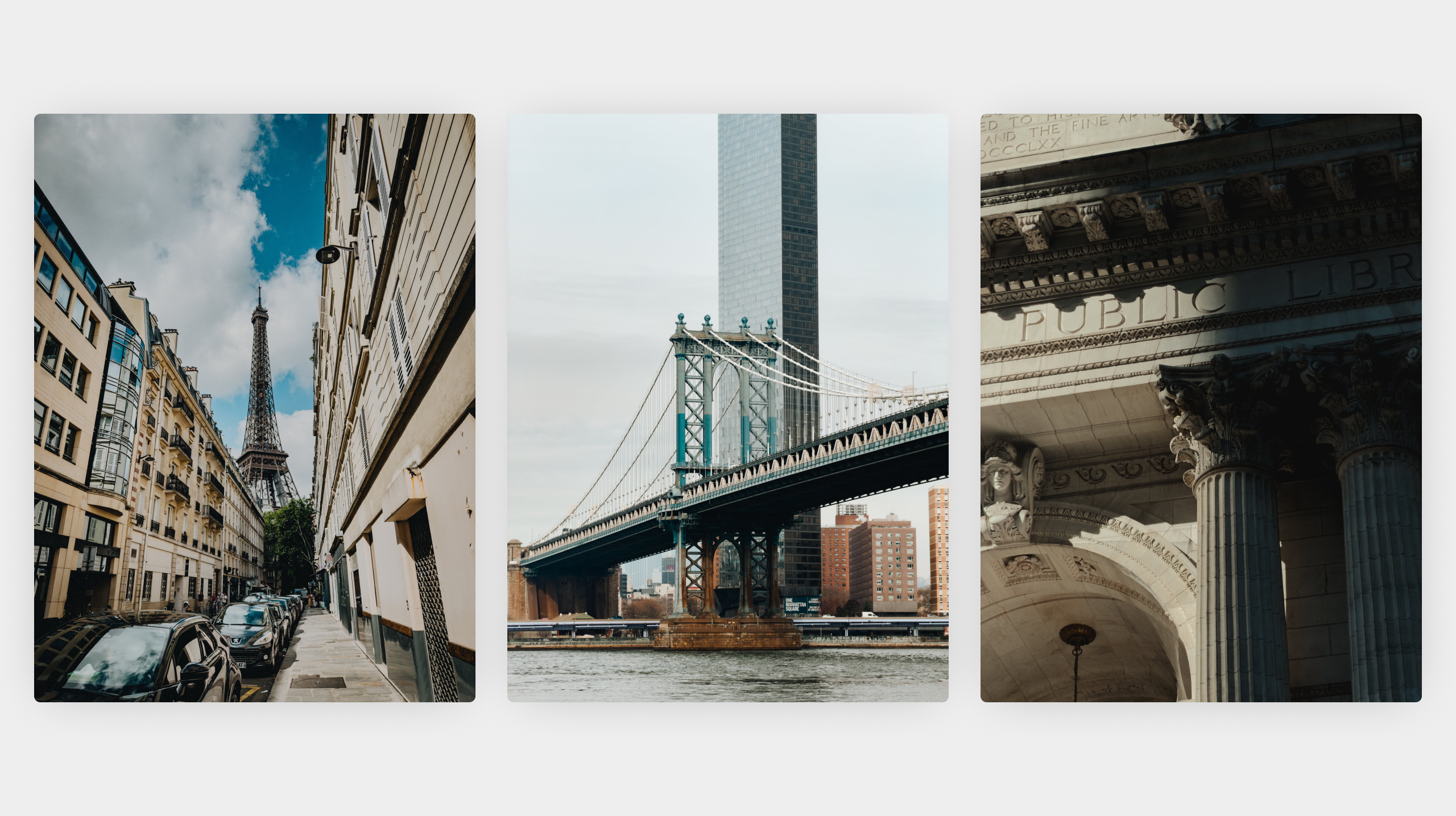
How to Photograph Architecture on iPhone Like a Pro
Architecture is one of the most rewarding subjects to photograph on iPhone. Buildings are full of strong lines, interesting textures, and repeating patterns. When photographed…
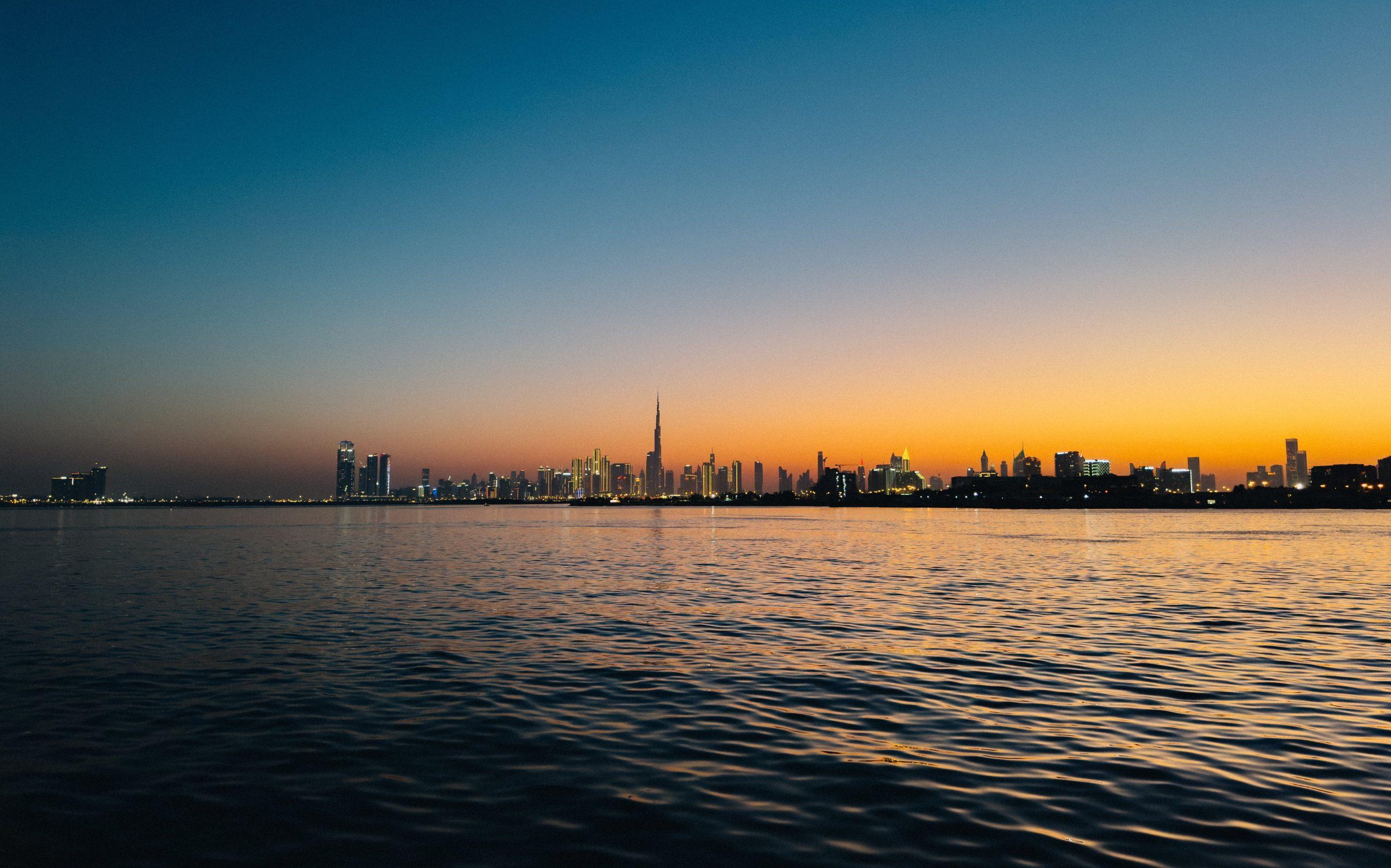
How to Capture Stunning Sunsets on iPhone
Sunsets are one of the most photographed scenes on iPhone. They are also one of the easiest to get wrong. What looks dramatic in real…
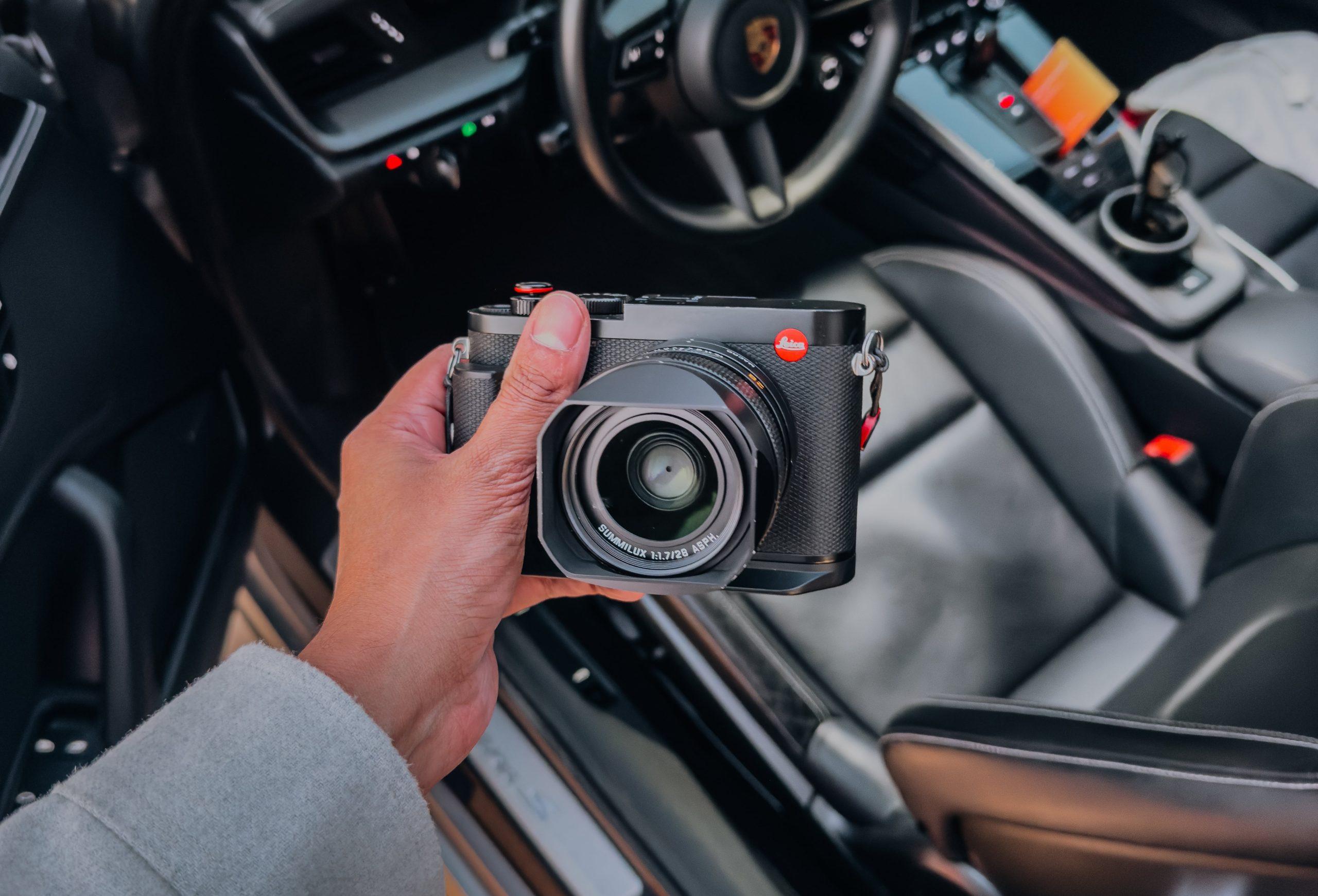
How to Shoot Depth and Background Blur Without Portrait Mode
Portrait mode is useful, but it is not the only way to create depth and background blur on iPhone. In fact, relying on it too…

How to Take Landscape Photos on iPhone That Actually Look Good
Landscape photography on iPhone can be frustrating. You look at a beautiful view, take the photo, and it feels dull or two-dimensional. The colours are…
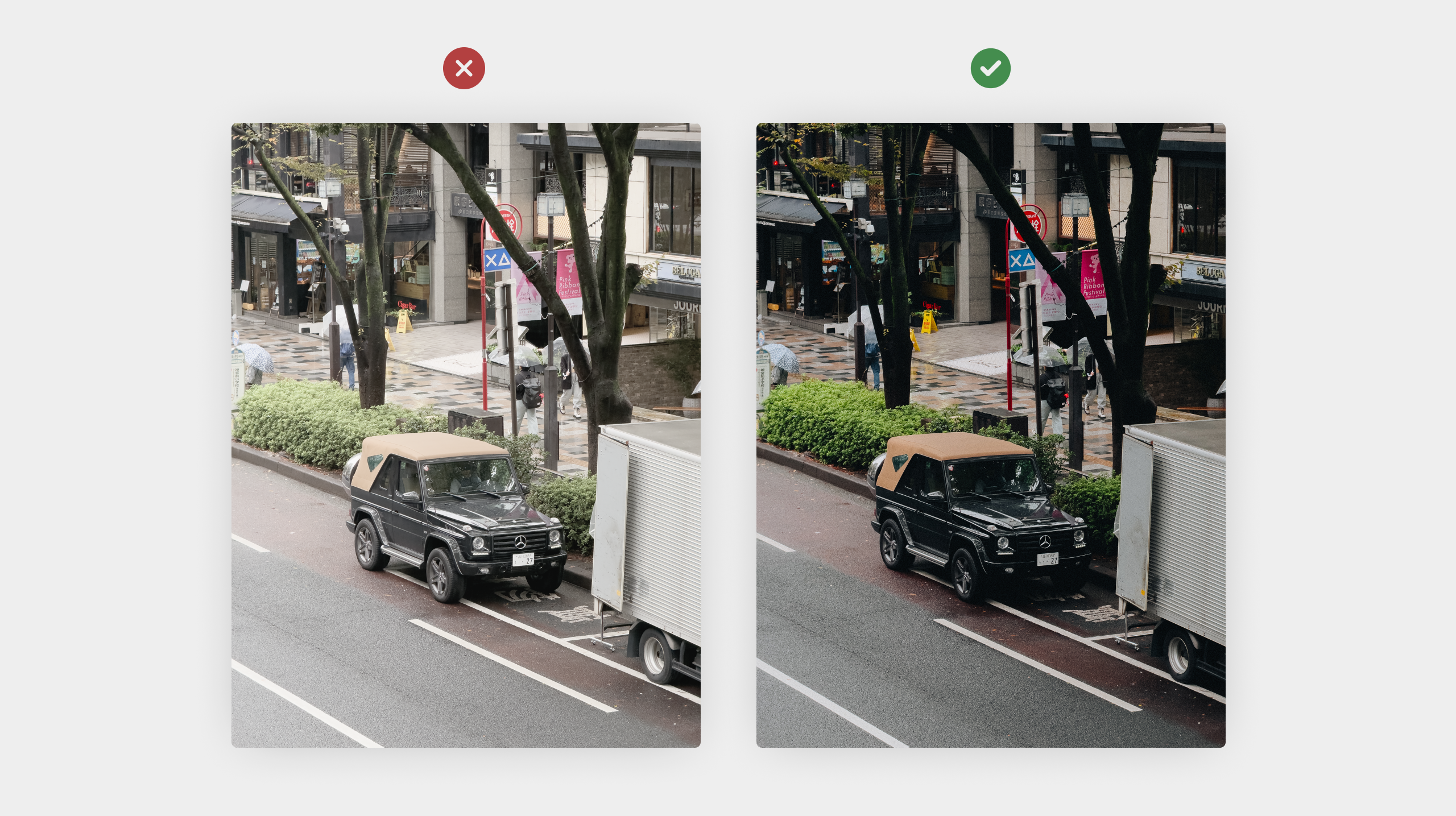
10 iPhone Photography Mistakes That Make Photos Look Flat
Flat photos are one of the most common problems in iPhone photography. The scene might have looked amazing in real life, but the final image…
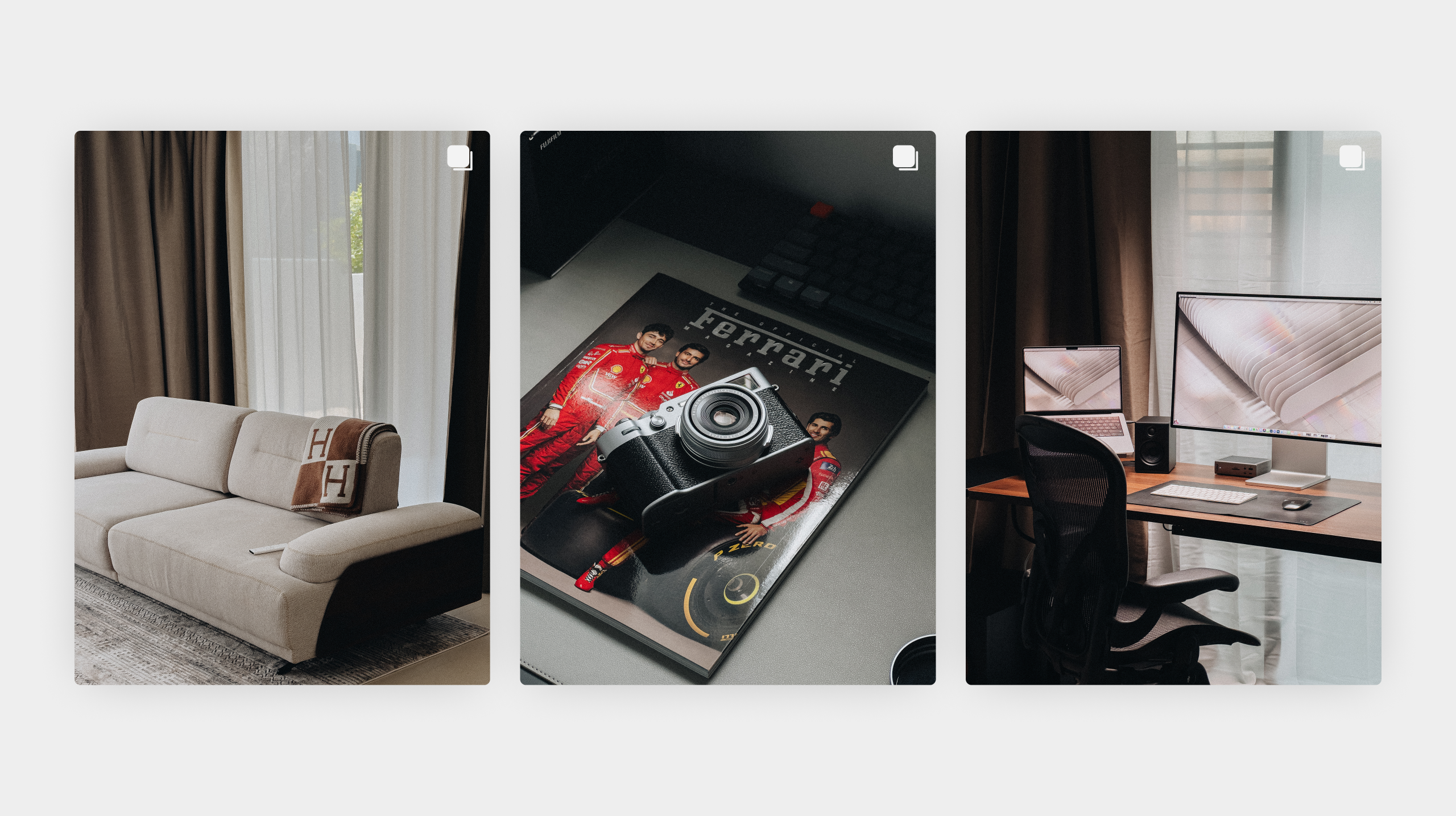
How to Create a Signature Editing Style on iPhone
A signature editing style is what makes your photos instantly recognisable. It is not about heavy filters or dramatic edits. It is about consistency in…

How to Take Moody Dark iPhone Photos Without Looking Too Edited
Moody, dark photos can look cinematic and atmospheric when they are done well. When they are not, they often feel flat, muddy, or heavily edited.…
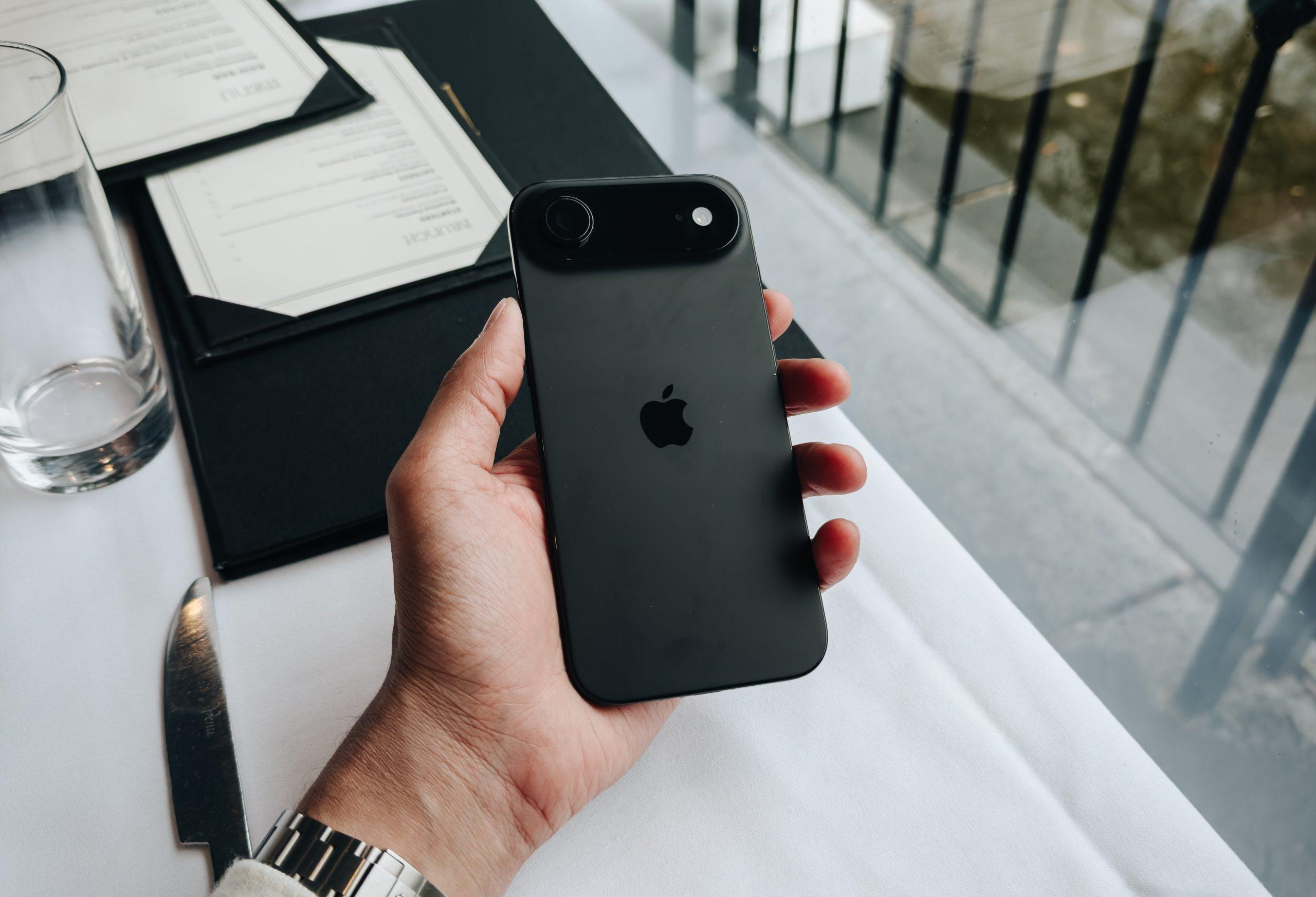
How to Capture Sharp iPhone Photos Every Time
Blurry iPhone photos are one of the most common frustrations in mobile photography. Even with a great camera, small movements, poor focus, or low light…
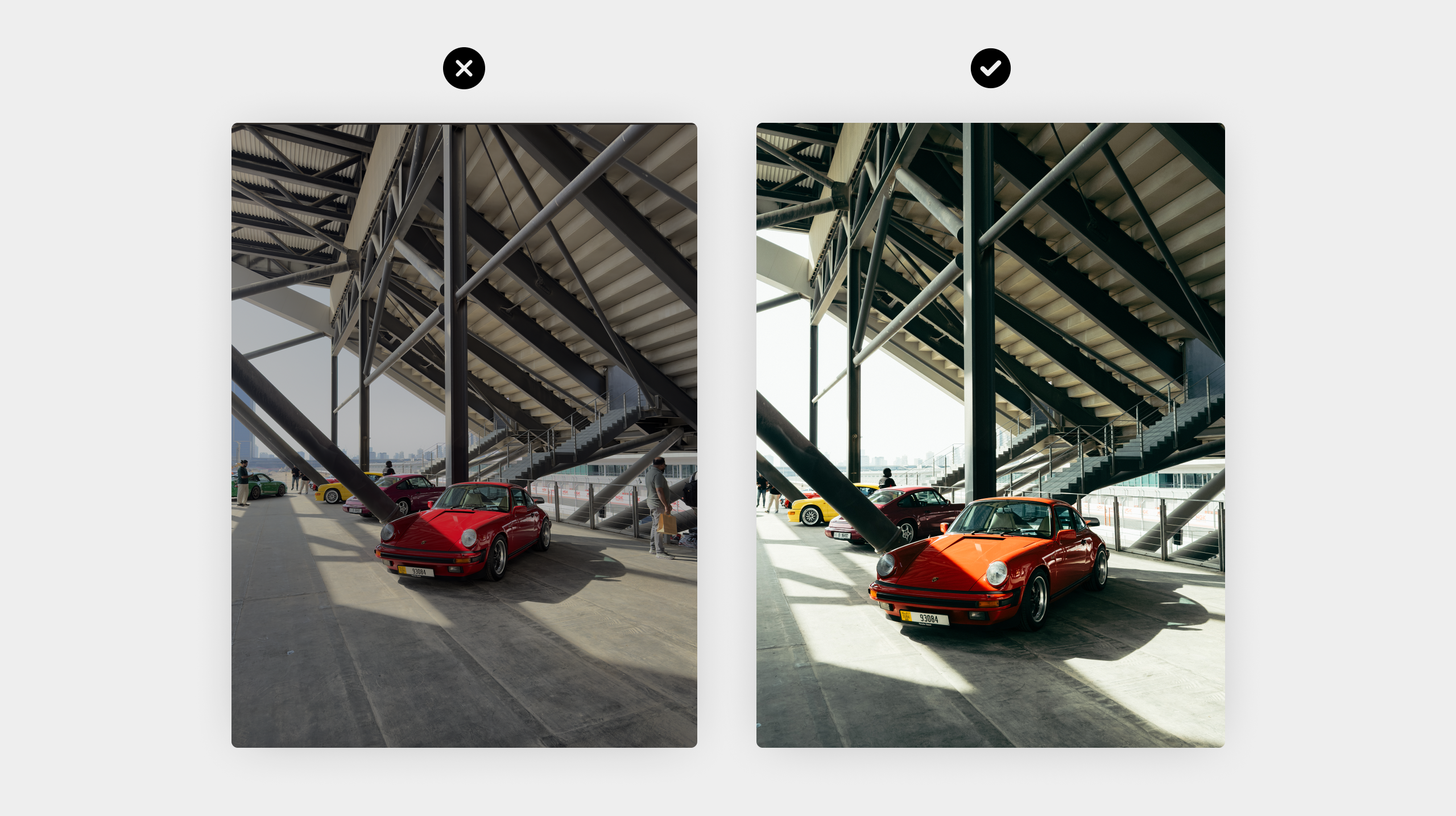
10 Mistakes Everyone Makes When Editing iPhone Photos
Editing iPhone photos should enhance what you captured, not completely change it. Most people run into trouble because they push edits too far or rely…
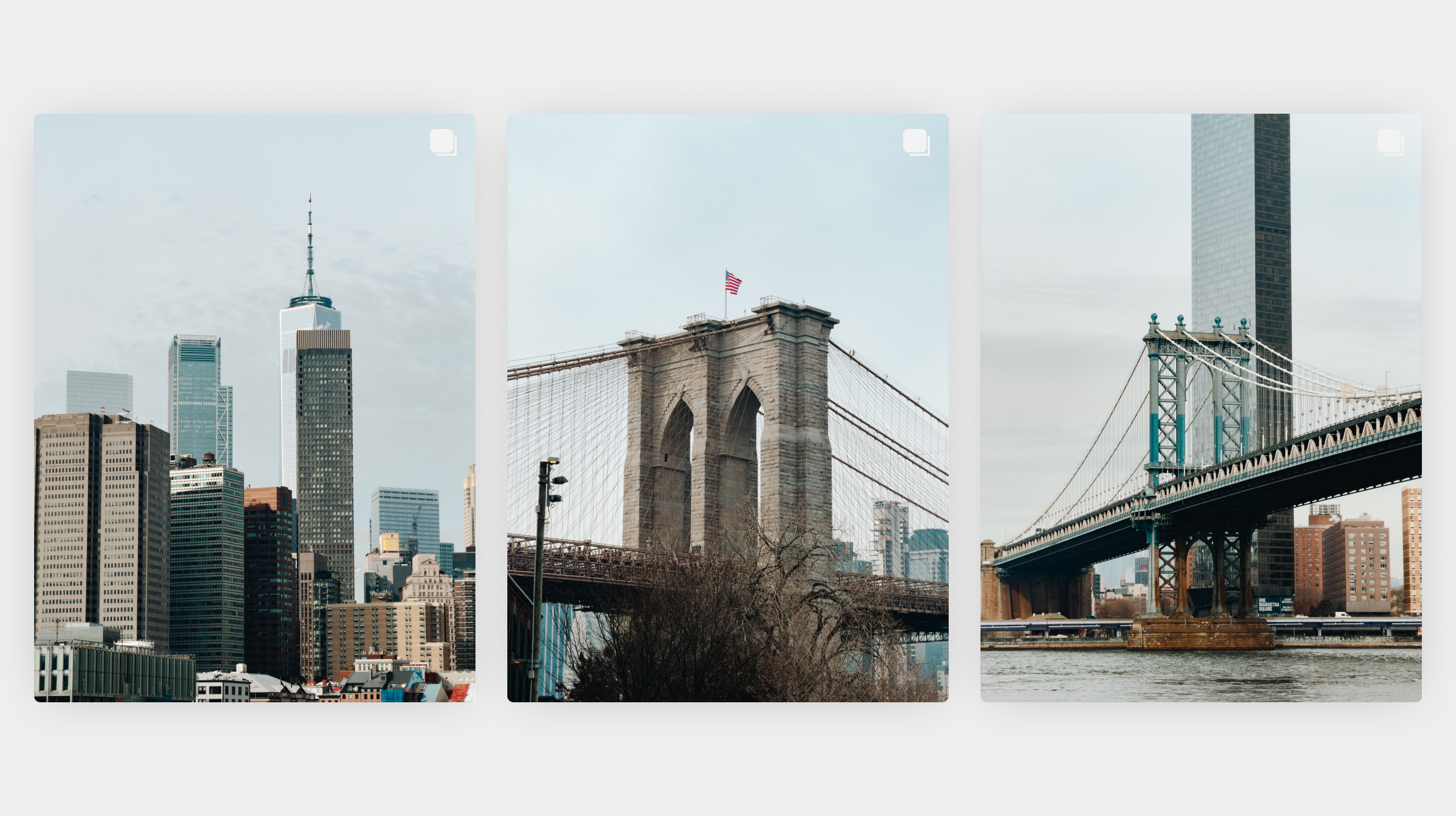
How to Edit iPhone Photos for a Consistent Instagram Feed
A consistent Instagram feed is not about using similar photos over and over again. It is about creating a recognisable look that ties your images…

A Simple Guide to Black and White iPhone Photography
Black and white photography can make your iPhone photos feel timeless, intentional, and more emotional. When colour is removed, light, shape, and texture take centre…
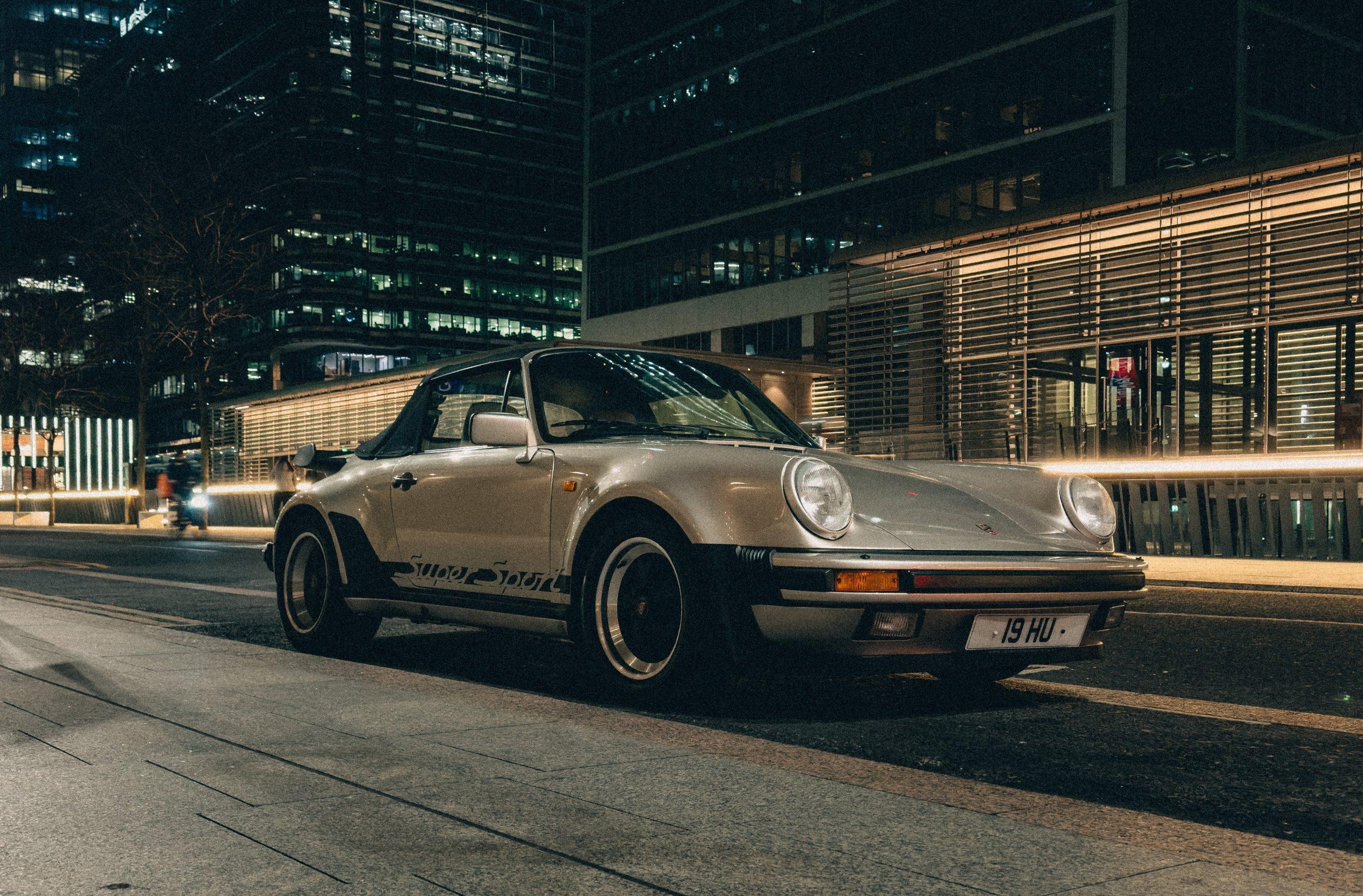
Get That Classic Film Aesthetic on Your iPhone: 7 Simple Tips
Film photos have a look that feels hard to replicate. Colours are softer, contrast is gentler, and images often feel more emotional than technical. While…
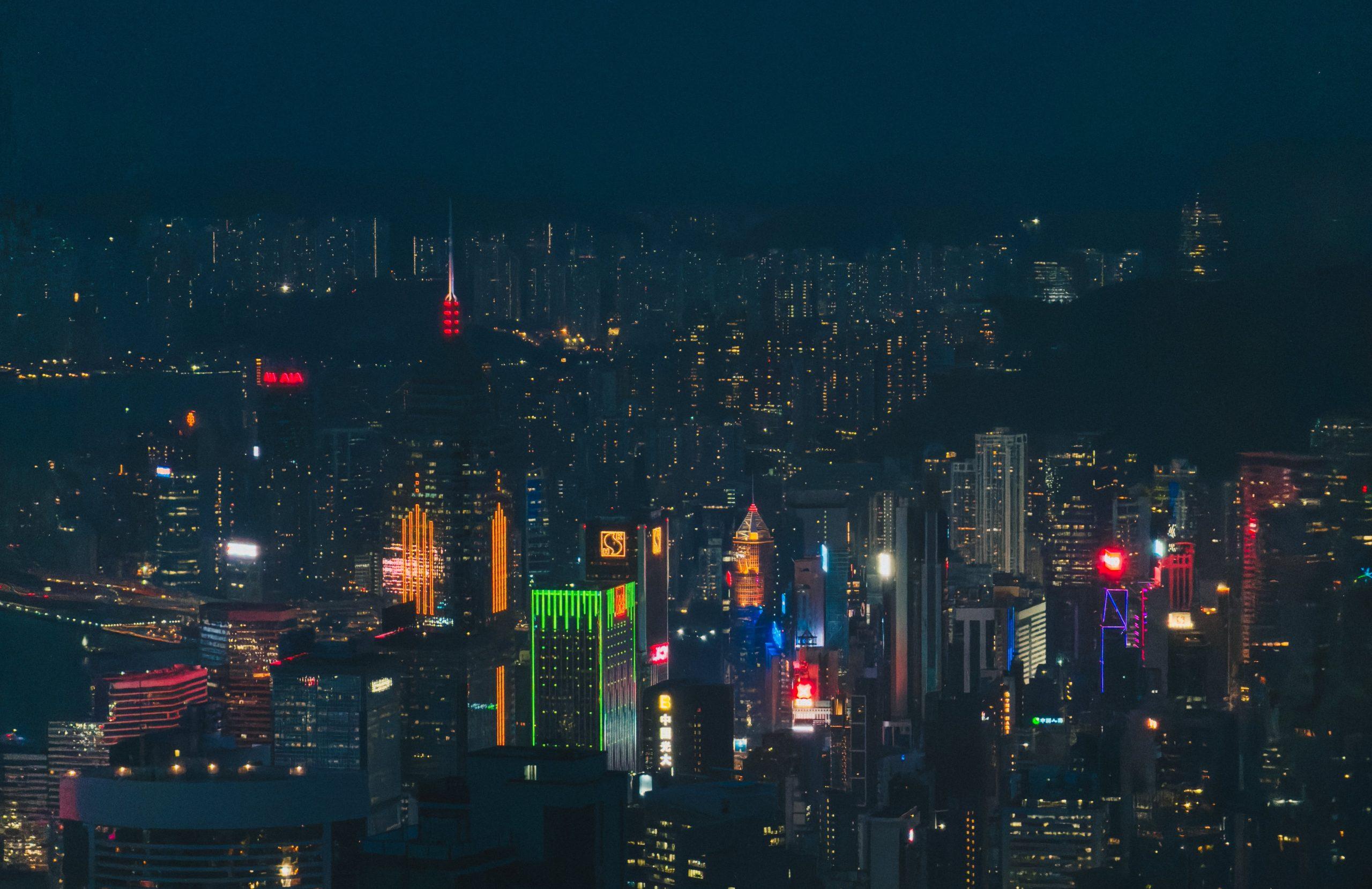
How to Shoot Night Photos on Your iPhone
Night photography on iPhone can be challenging. Low light often leads to blurry photos, dull colours, or heavy noise. At the same time, night scenes…